

How to add places to your trip?
You can add places to a trip in order to prepare the spots you want to visit during your stay.
A place can be added from the destination page, from the detailed page of a point of interest, or directly from the map of a destination.
Define a trip as active.
Before you can add places to your trip, you need to set a trip as active.
➡️ See also: How to define an active trip?
Add a place from a destination's page
Open the sheet of the destination you wish to explore.
Scroll down to the list of points of interest.
Locate the place you wish to add to your trip.
Click on the Add to my trip button displayed on the location thumbnail.

This method is convenient for quickly adding multiple places from the sheet of the same destination.
Add a place from the detailed sheet of a point of interest
Open the file of the point of interest you wish to add.
Click on the Add to my trip button.
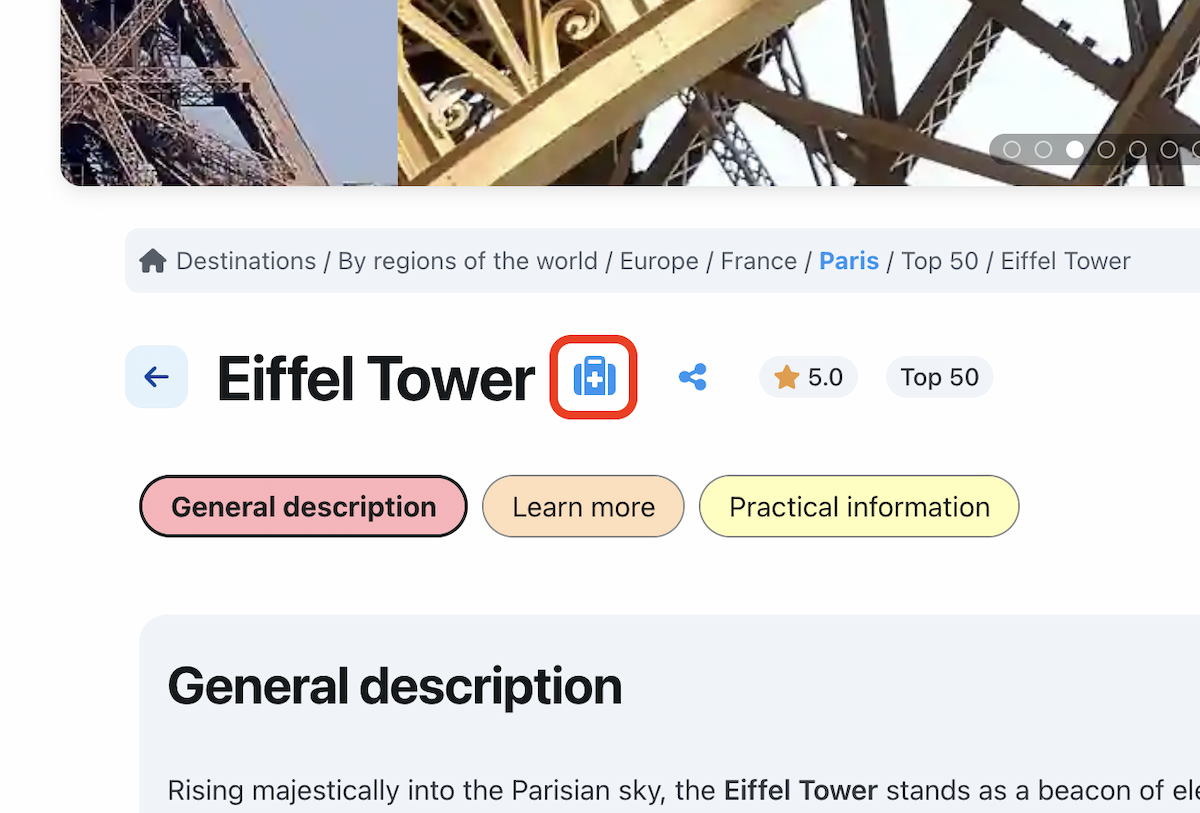
Add a place from the map
Open the map of a destination.
In the list of places, click on the Add to my trip button displayed on the place's thumbnail.

You can also open the details of the place, then click on Add to my trip from its sheet.
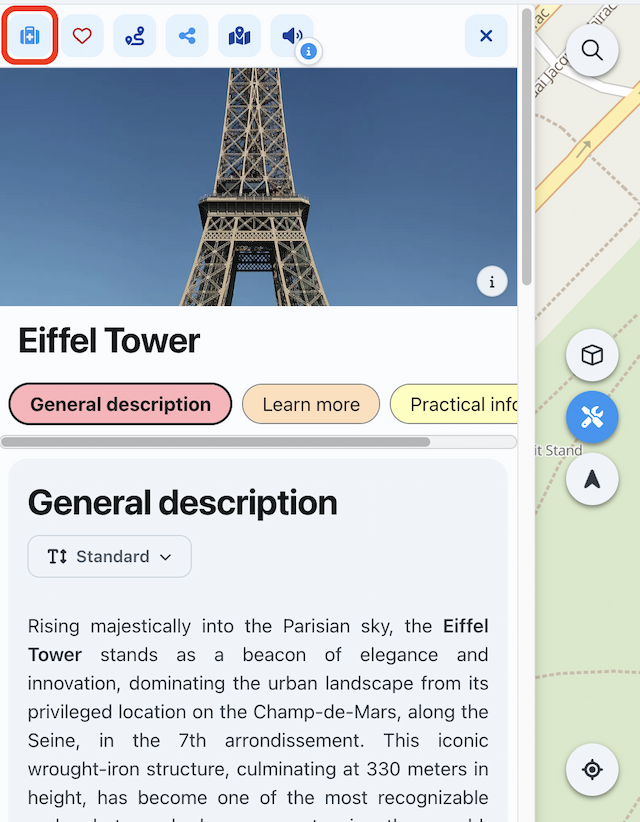
What to do next?
You can repeat this action to gradually build your trip.
➡️ See also: How to manage your trip?