

How to manage your trip?
The trip page allows you to view and manage the places you have added.
You can find the points of interest for the trip, organize them, display them on the map, or share them.
Open a trip
1
Open your trip list.
➡️ See also: How to see your list of trips?
2
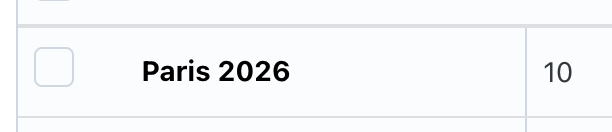
Click on the name of the trip you wish to view.
3
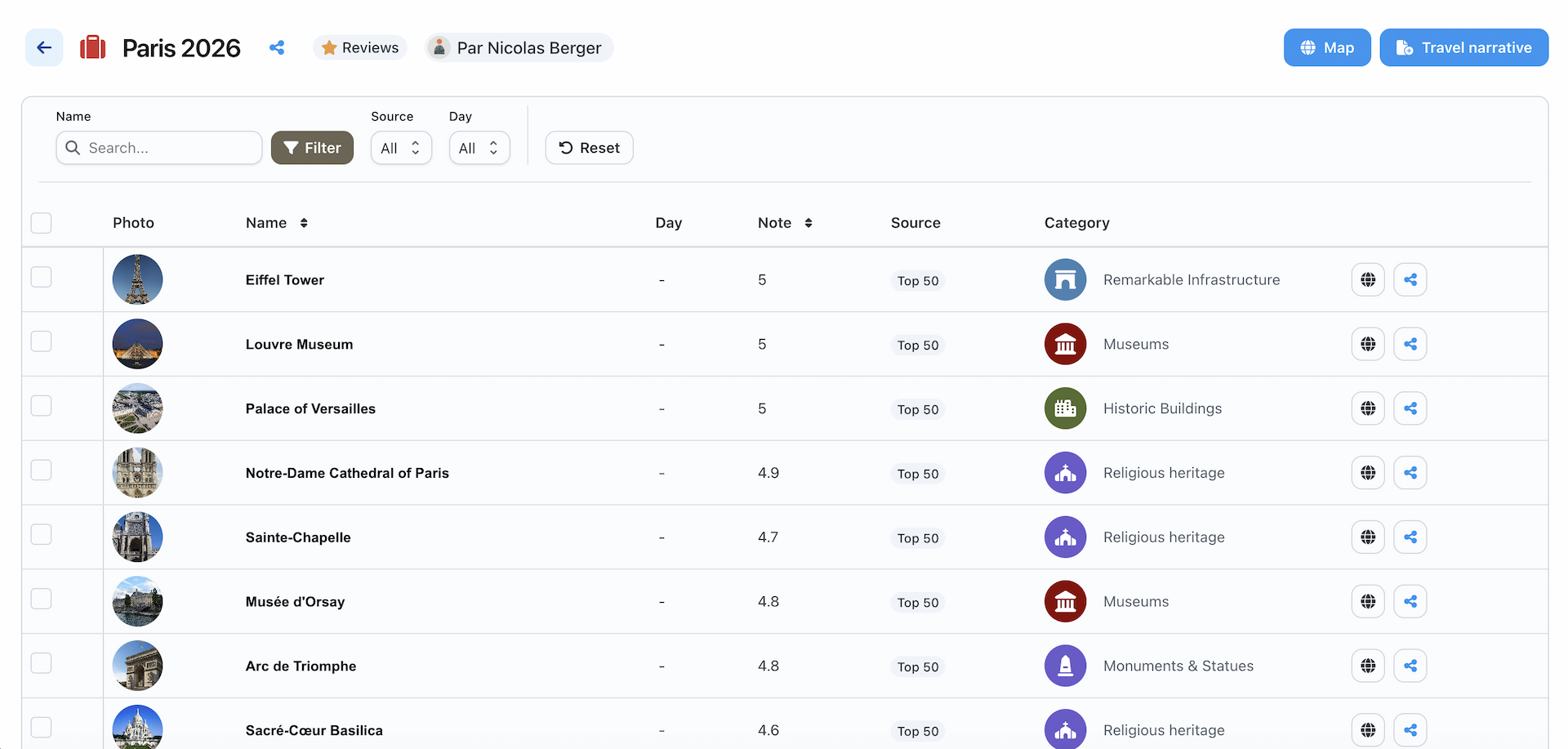
The trip page displays with the added locations.
Search or filter travel locations
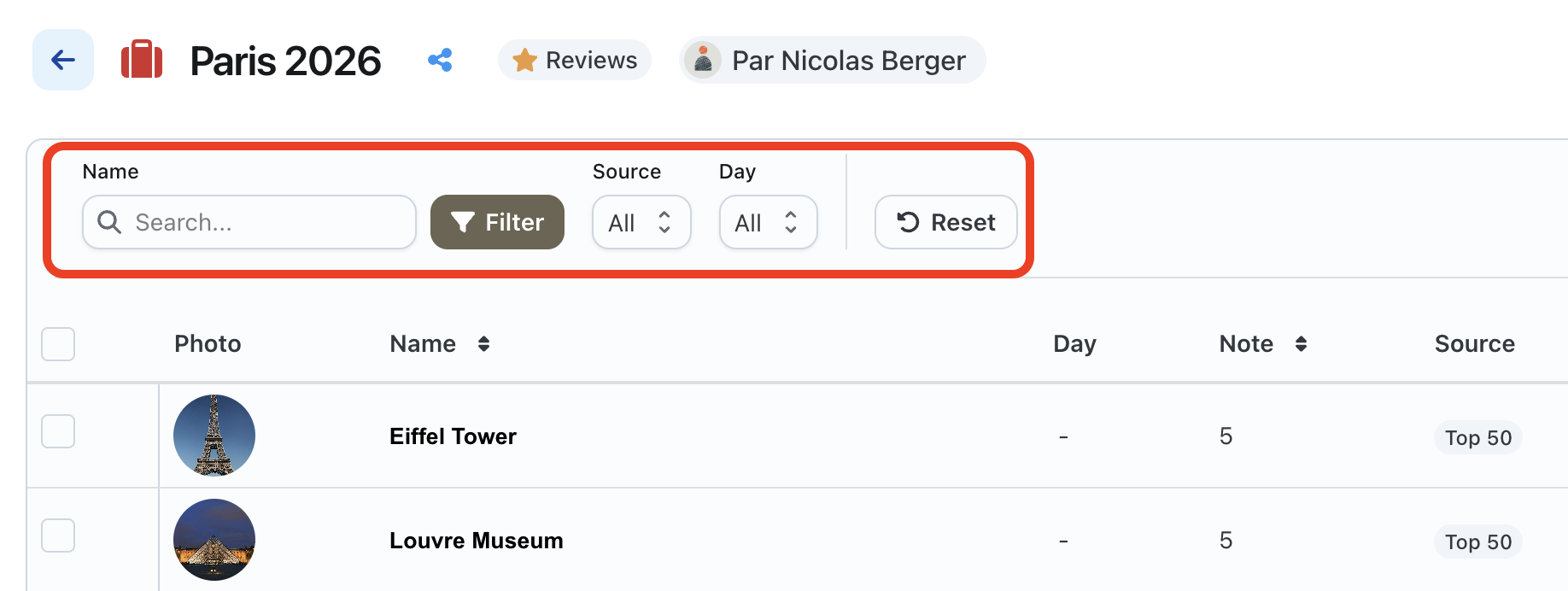
From the trip page, you can use the filters to more easily find a location.
You can also click on Reset to remove the applied filters.
Available actions at the locations
From the list of trip locations, you can notably:
- display a location on the map;
- share a place;
- define a visit day;
- remove a place from the trip.

Available actions on the trip
From the trip page, you can also:

- open the trip on the map;
- share the trip;
- create or modify your travel story;
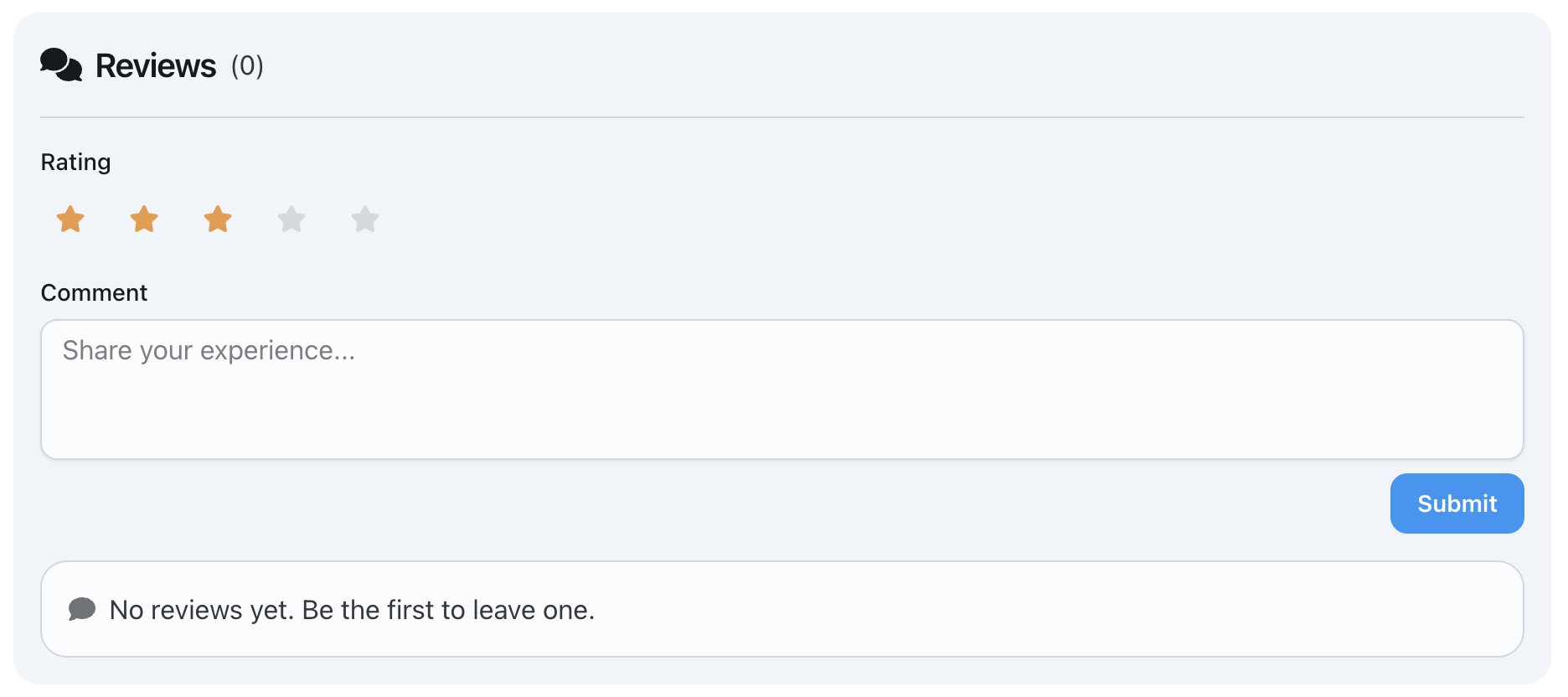
- add a review.
➡️ See also: How to organize the places of a trip by day?