

How to organize the places of a trip by day?
You can organize the places of a trip by day of visit.
This feature helps you prepare your schedule and distribute the places to visit over several days.
Assign a day to a location
1
Open the relevant trip.
➡️ See also: How to manage your trip?
2
In the list of places, identify the place you would like to organize.
3
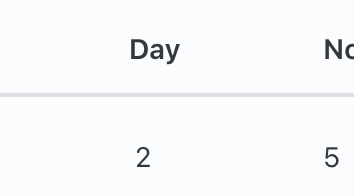
Click in the Day column of the relevant location.

4
Assign a visit day to it.
5
Repeat the action for the other places of the trip.
Use the filter by day
Once the days are defined, you can use the Day filter to display only the places scheduled for a specific day.
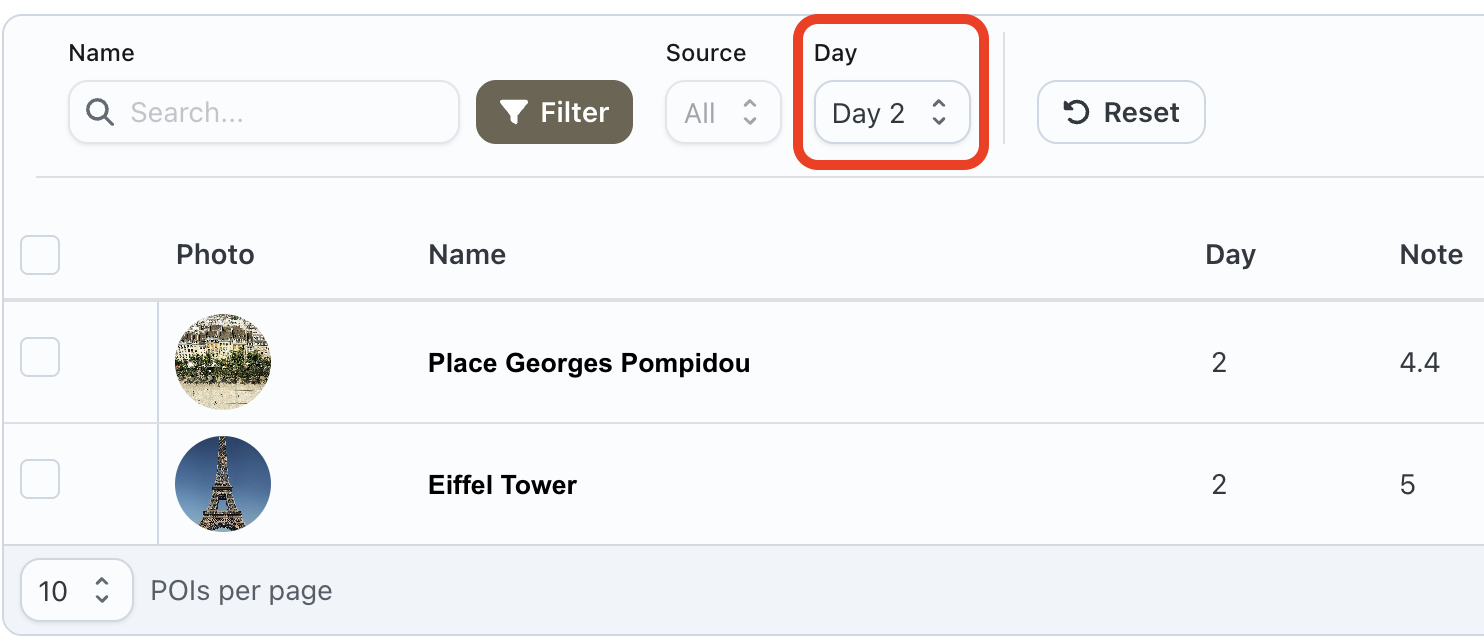
This makes it easier to consult the program for a given day.