

How to access the map of a destination?
You can access the map of a destination from several places in SityTrip.
The map allows you to view the available points of interest around the selected destination and explore locations directly on an interactive map.
From the destination page
1
Open the page of the destination you want to explore.
2
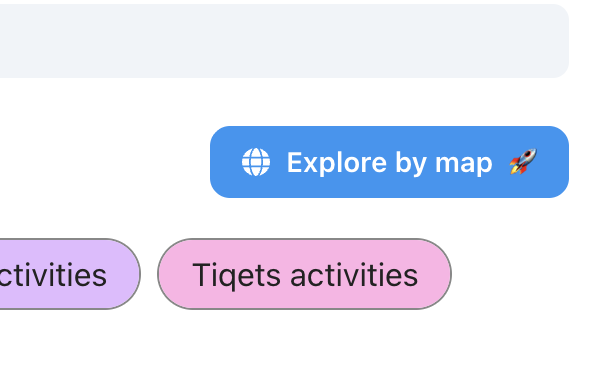
Click on the Explore by map button.
➡️ See also: What does a destination sheet contain?
You can then browse the available places, view the different themes, and open the details of a point of interest.
From the world map
1
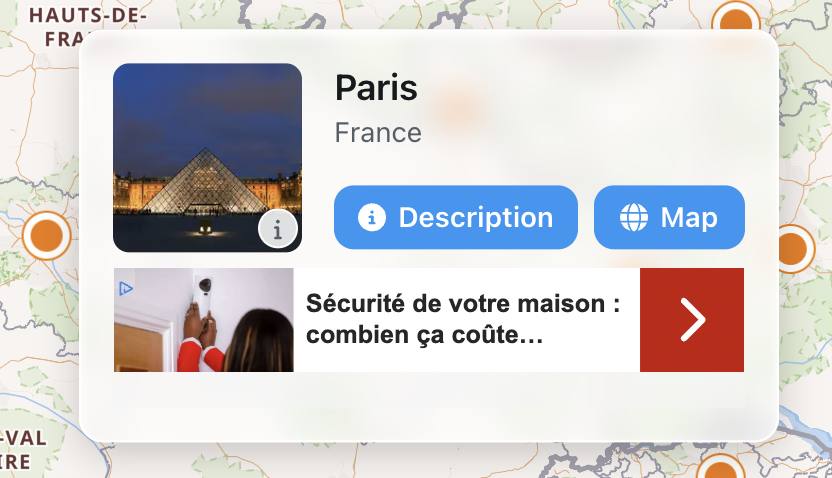
Open the preview of a destination from the world map.
2
Click on the Map button.
➡️ See also: How to search for a destination on the map?