

How to search for a destination on the map?
The map allows you to discover the available destinations visually, by directly exploring a geographic area.
Search for a destination on the map
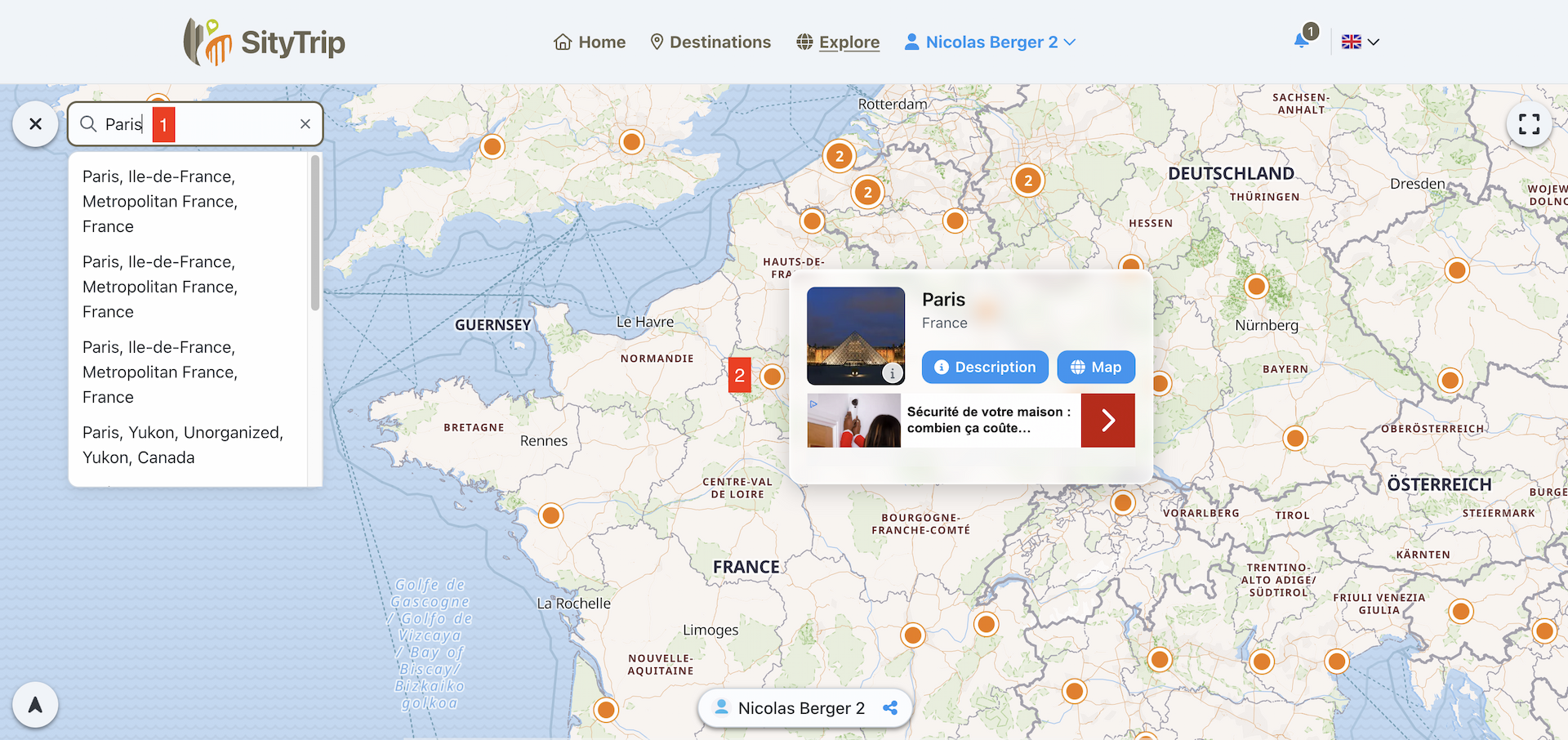
From the main menu, click on Explore.

Move around the map or zoom in on the area that interests you.
You can also use the search bar to quickly find a place, a city, or a region (1).
The available destinations are indicated by an orange dot.
Click on the orange dot of a destination to view its overview (2).
Open the profile or map of a destination
From the destination overview, you have two options:
- click on Description to open the full sheet of the destination;
- click on Map to directly open the map of this destination.
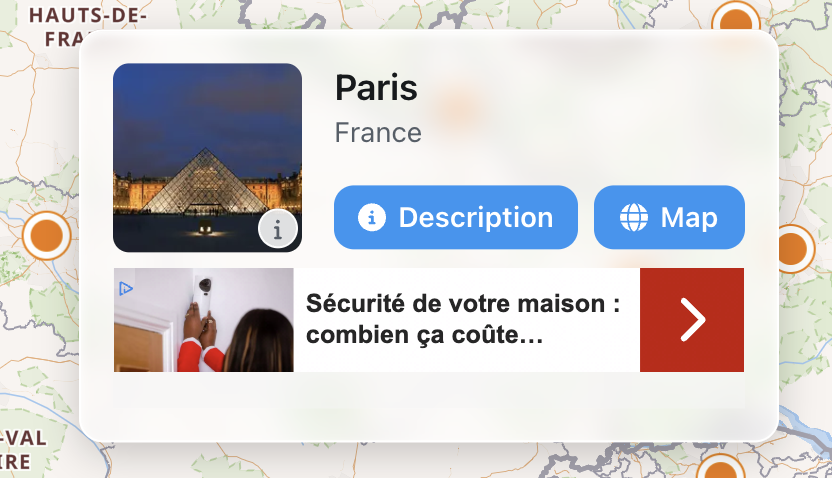
The sheet allows you to learn more about the destination, while the map lets you visualize the places to visit around it.
What to do next?
If you want to read information about the destination first, open the Description.
➡️ See also: What does a destination sheet contain?
If you want to start exploring right away, open the Map.
➡️ See also: Presentation of a destination map