

How to define an active trip?
An active trip is the trip currently used by SityTrip when you add places from a destination, a place sheet, or the map.
This allows for quickly adding places to the right trip, without having to select it each time.
Define a trip as active
1
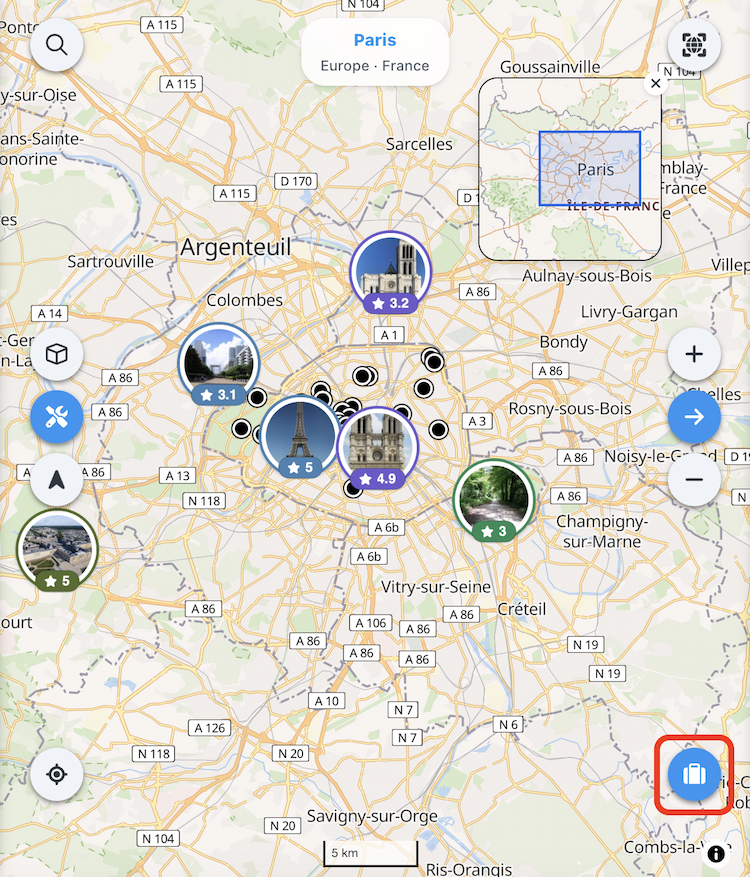
Open the travel selection window.
2
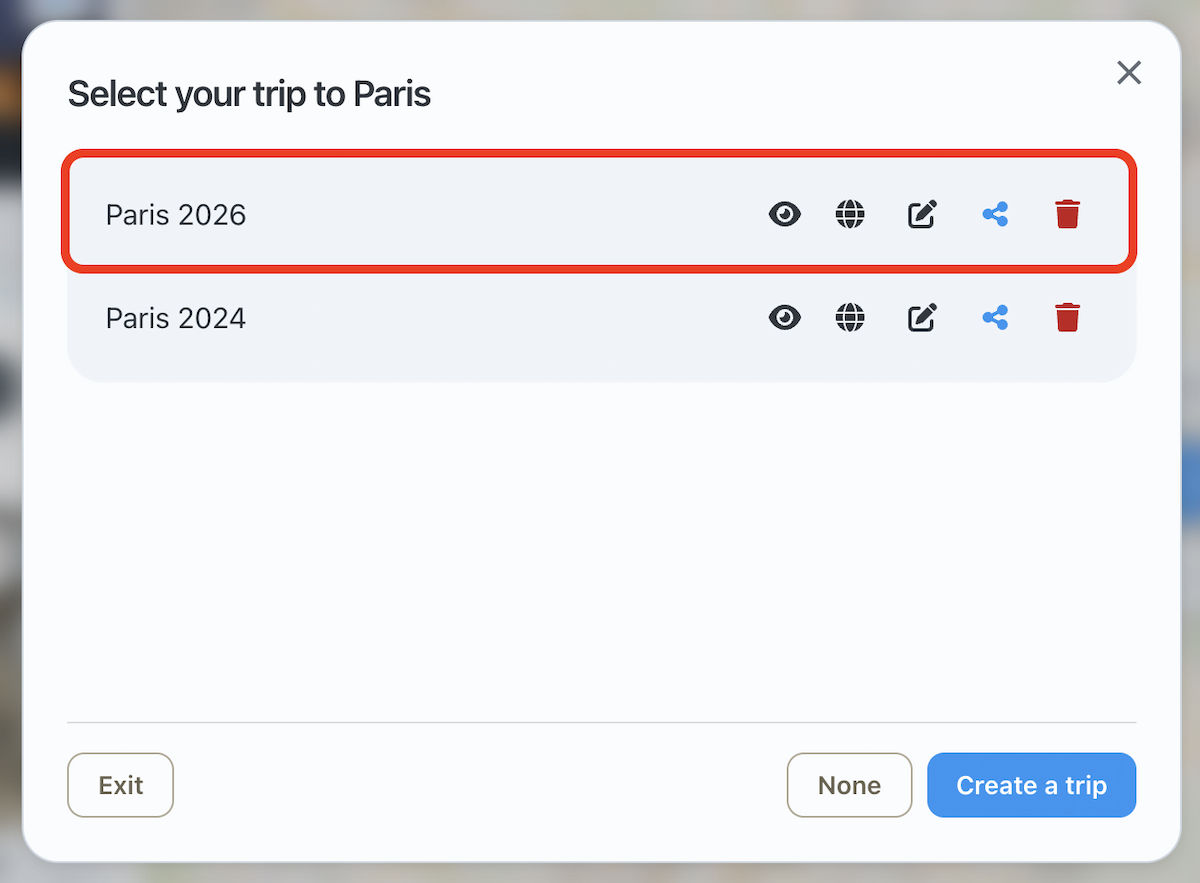
Select the trip you want to set as active.
3
The selected trip becomes the active trip.

If a trip is active, the button turns red. A message also indicates the name of the active trip, for example Active trip: Trip to Paris.

➡️ See also: How to add places to your trip?