

What does the information sheet for a point of interest contain?
The sheet of a point of interest gathers useful information to discover a place, prepare your visit, and quickly access the main actions.
A point of interest can be a monument, a museum, a neighborhood, a historical site, a tourist activity, or any other interesting place to discover in a destination.
Access the detail page of a point of interest
From a destination page, click on the point of interest that interests you to display its details.
➡️ See also: What does a destination sheet contain?
View the information of the point of interest

The sheet can contain several sections:
General description
This section presents the point of interest and explains why it may be worth visiting.
Learn more
This section provides additional information about the location, such as its history, specific features, or context.
Practical information
This section gathers useful information to prepare for your visit.
Listen to the description
You can use the text-to-speech to listen to the text of a section.
To do this, click on the button representing a speaker.

This feature is useful if you want to discover the content without having to read it on the screen.
➡️ See also: How to change the text-to-speech settings?
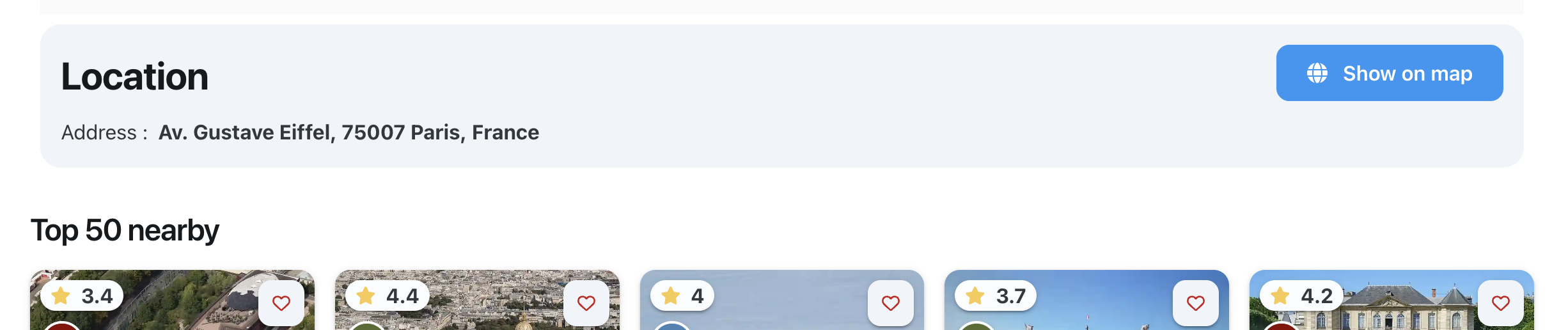
Display the point of interest on the map
From the sheet, you can display the point of interest directly on the map.
This allows you to see where it stands compared to other places in the destination.
Request a route
The Navigation button allows you to request a route to the point of interest.

This action helps you reach the selected location from your position or from another starting point.
Leave or consult a review
The information sheet for a point of interest also offers a reviews and comments section.
You can check the feedback from other users and leave your own review about the place.
