

How to modify your traveler map?
You can modify your traveler map to indicate the destinations, regions, or countries you have visited.
These elements will then appear on your map, according to the display and visibility options you have chosen.
Edit your map
1
Open your traveler map.
➡️ See also: How to view your traveler card?
2
Activate Edition mode.
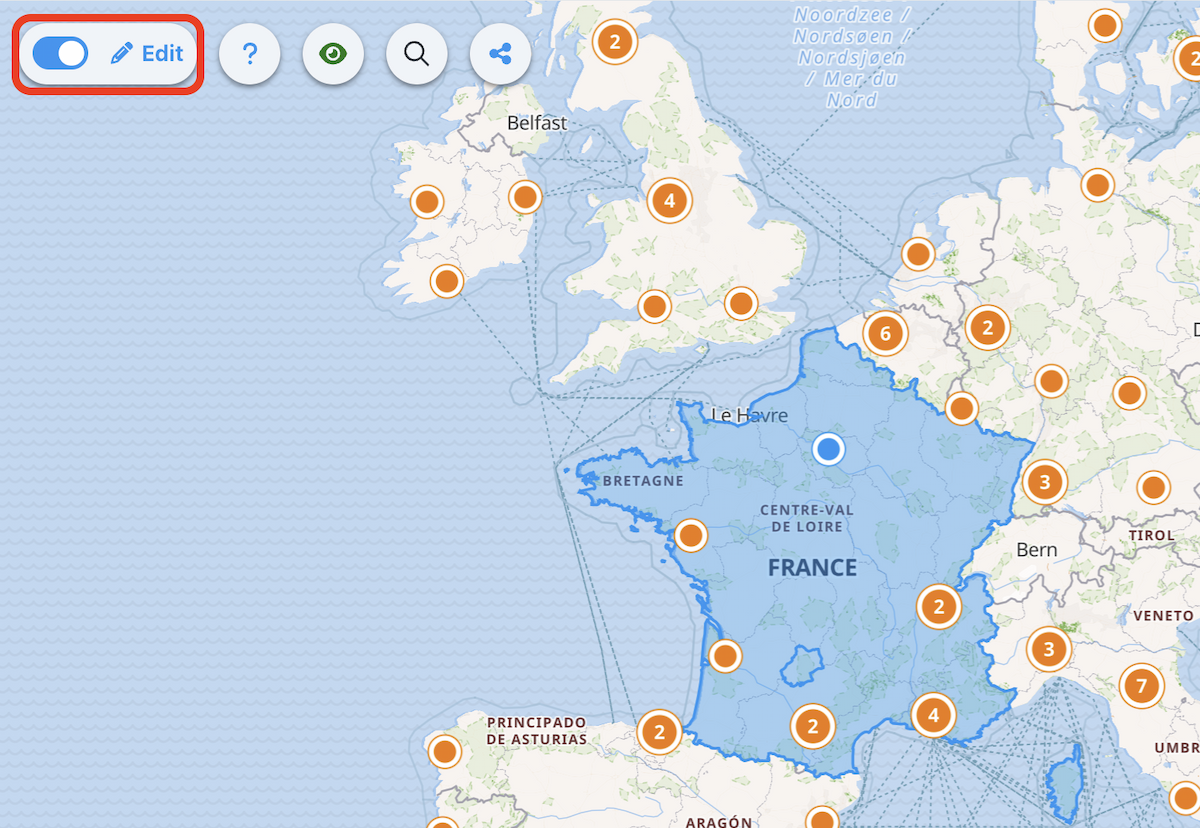
3
Select a destination, region, or country on the map.

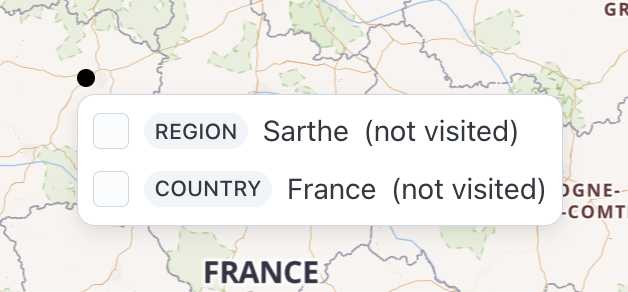
4
Define the selected element as visited.
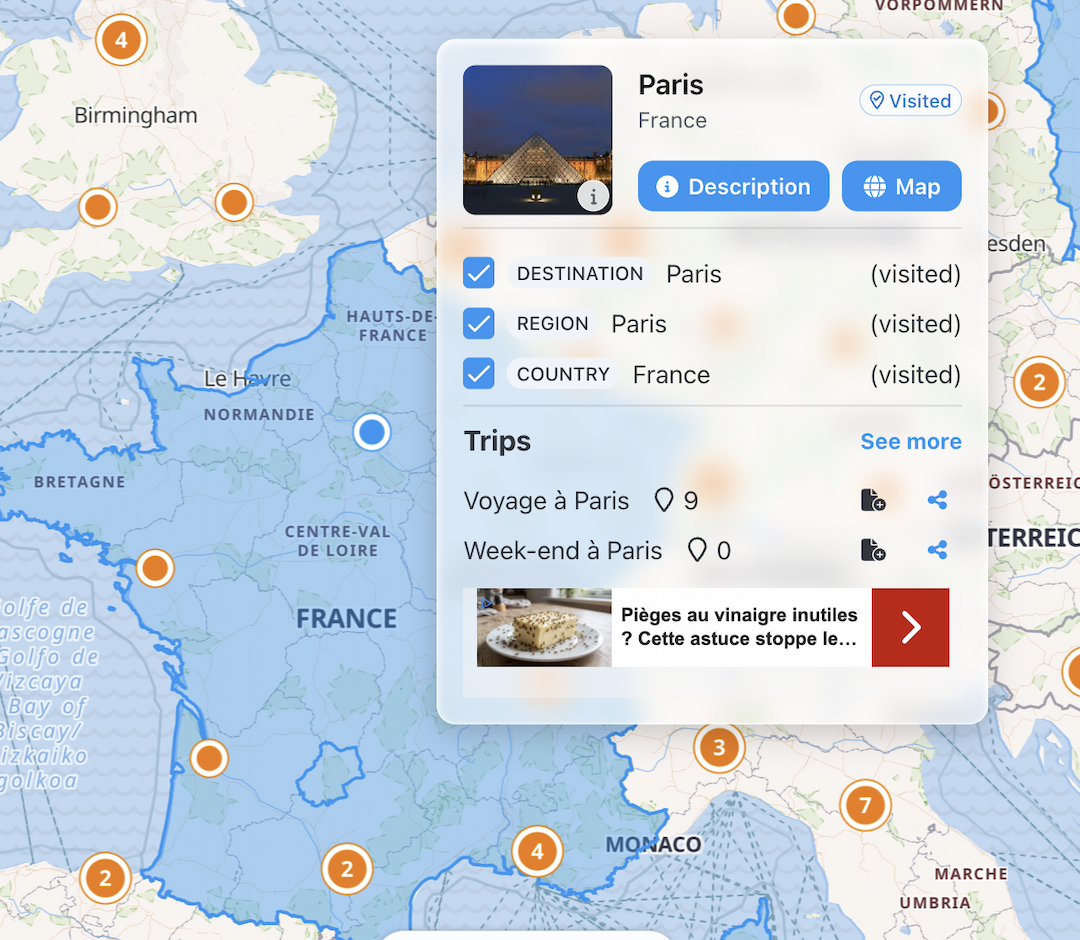
5
Repeat the action for the other areas you wish to add.
6
Exit edit mode when you are finished.
What elements can you add?
Depending on the selected area, you can mark as visited:
- a destination;
- a region;
- a country.
Manage display and visibility
You can modify the appearance and visibility of your map from your account settings.
➡️ See also: How to customize your traveler map?
➡️ See also: How to manage the visibility of your traveler map?