

How to customize your traveler map?
The traveler's map represents the destinations, countries, or regions you have visited.
You can customize its display from your account settings to choose how your trips appear on your profile.
Access customization options
1
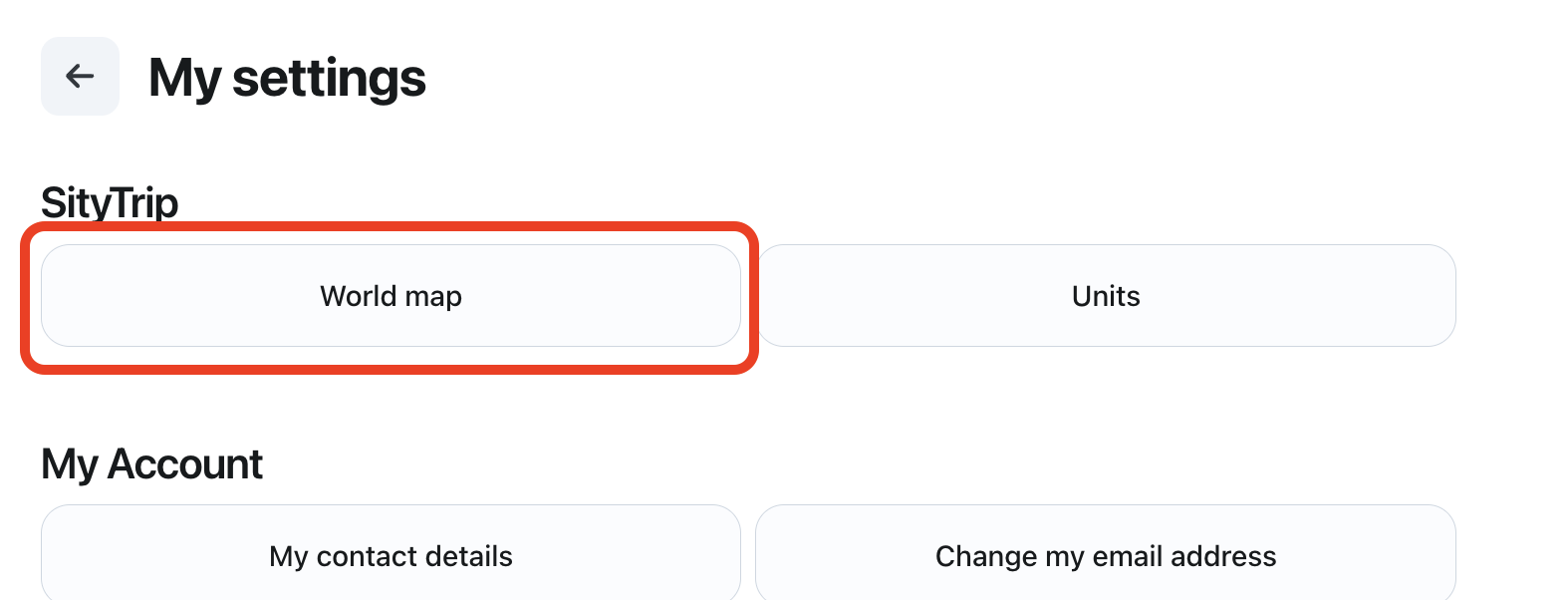
Access the Settings of your account.
➡️ See also: How to access your account settings?
2
Open the section related to the World Map.
3
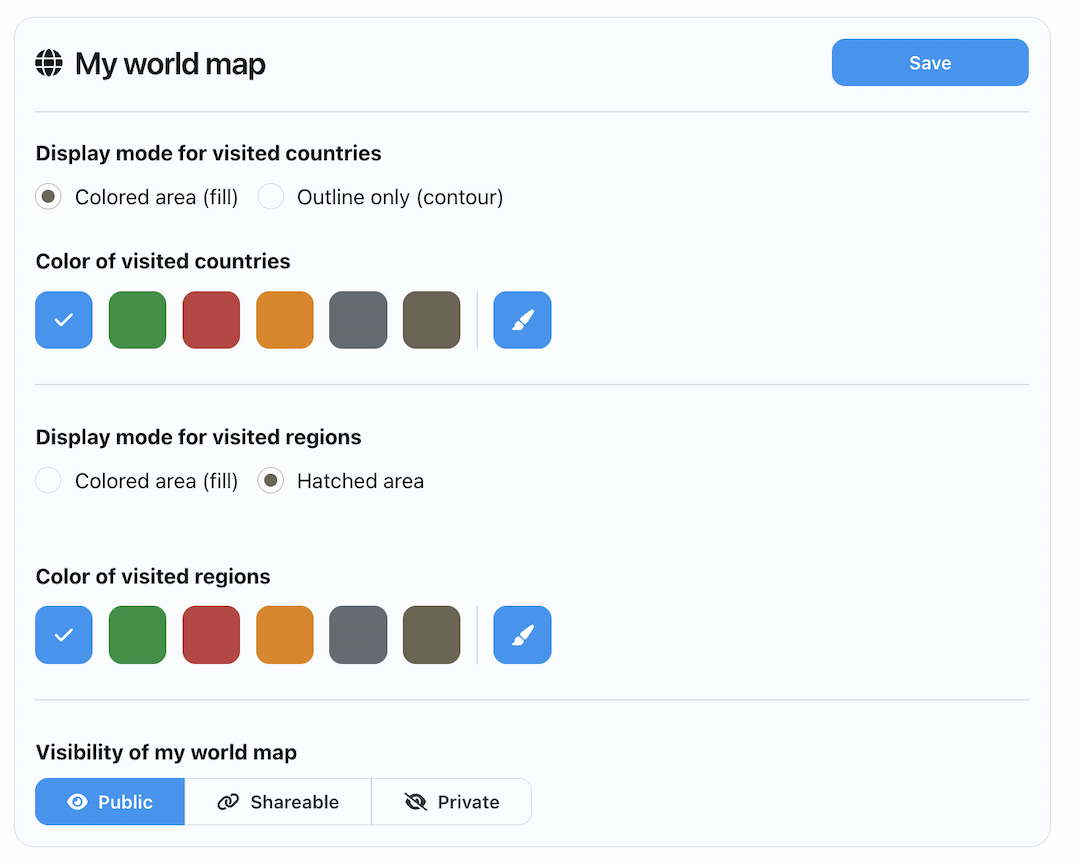
Choose the available customization options.
4
Save your changes.
Available customization options
You can customize certain elements, such as:
- the display mode of visited countries, for example in colored surface or in perimeter only;
- the display color of visited countries;
- the display mode of visited regions, for example in colored surface or in hatched surface;
- the display color of visited regions;
- the visibility of your traveler map.
Choose the visibility of your map
You can choose who can see your traveler map:
- Public: anyone can see your map.
- Shareable : only people with the sharing link can view your map.
- Private : your map is visible only to you.
Why personalize your map?
Personalization of the traveler map allows you to customize its appearance according to your preferences and control its visibility when you share your profile.
➡️ See also: How to share your profile?
➡️ See also: How to view your traveler card?