

How to access your account settings?
Account settings allow you to manage certain information related to your SityTrip account and your usage preferences.
You can specifically modify certain display options, choose your distance units, or customize your traveler map.
Access the settings
1
Access your profile.
➡️ See also: How to access your profile?
2
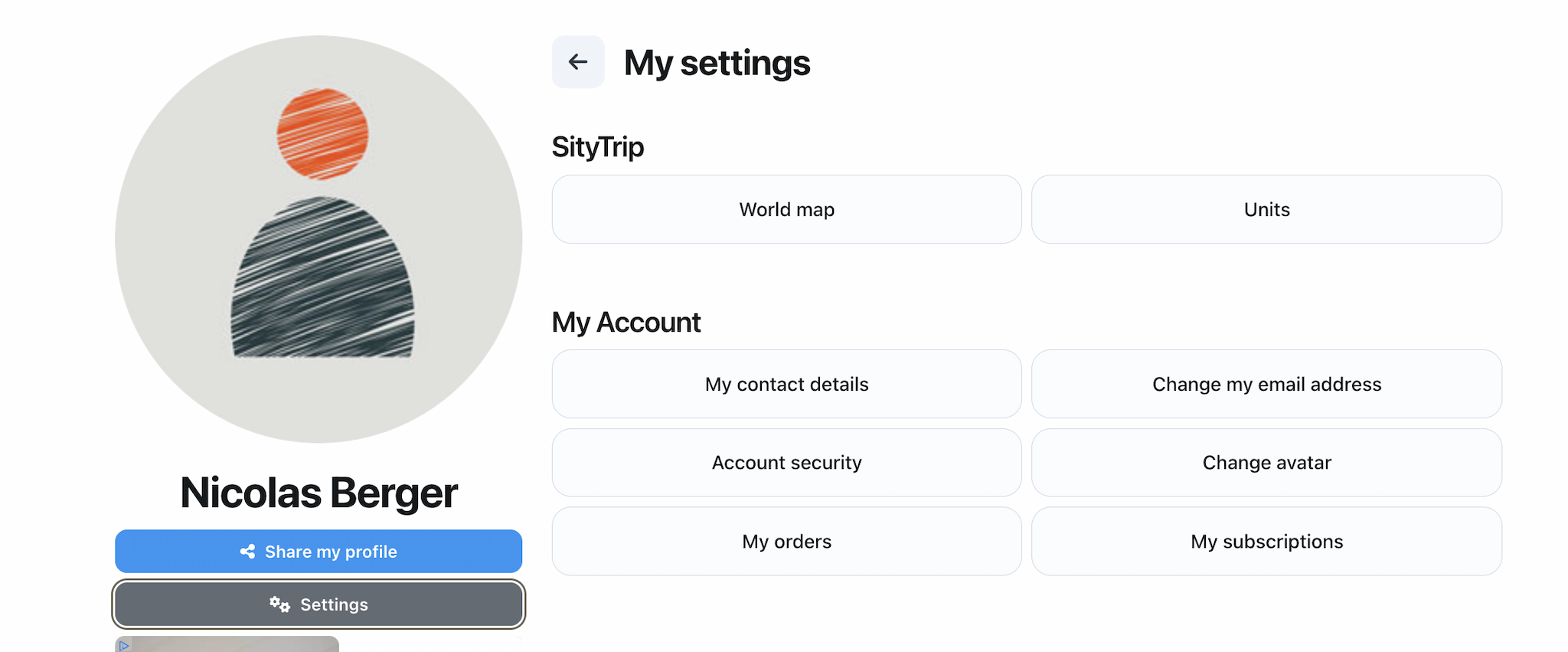
Click on Settings.

What can be changed in the settings?
The parameters allow you to manage:
- the information related to your account;
- your usage preferences;
- distance units;
- the display options for your traveler's map.
What to do next?
From the settings, you can tailor SityTrip to your way of using the app.
➡️ See also: How to change the distance units?
➡️ See also: How to customize your traveler map?