

How to access your profile?
Your profile gathers the main information related to your account on SityTrip.
From your profile, you can view your public information, find your latest trips, display your traveler map, and access your account settings.
Access your profile
1
Log in to your SityTrip account.
➡️ See also: How do I log in to my SityTrip account?
2
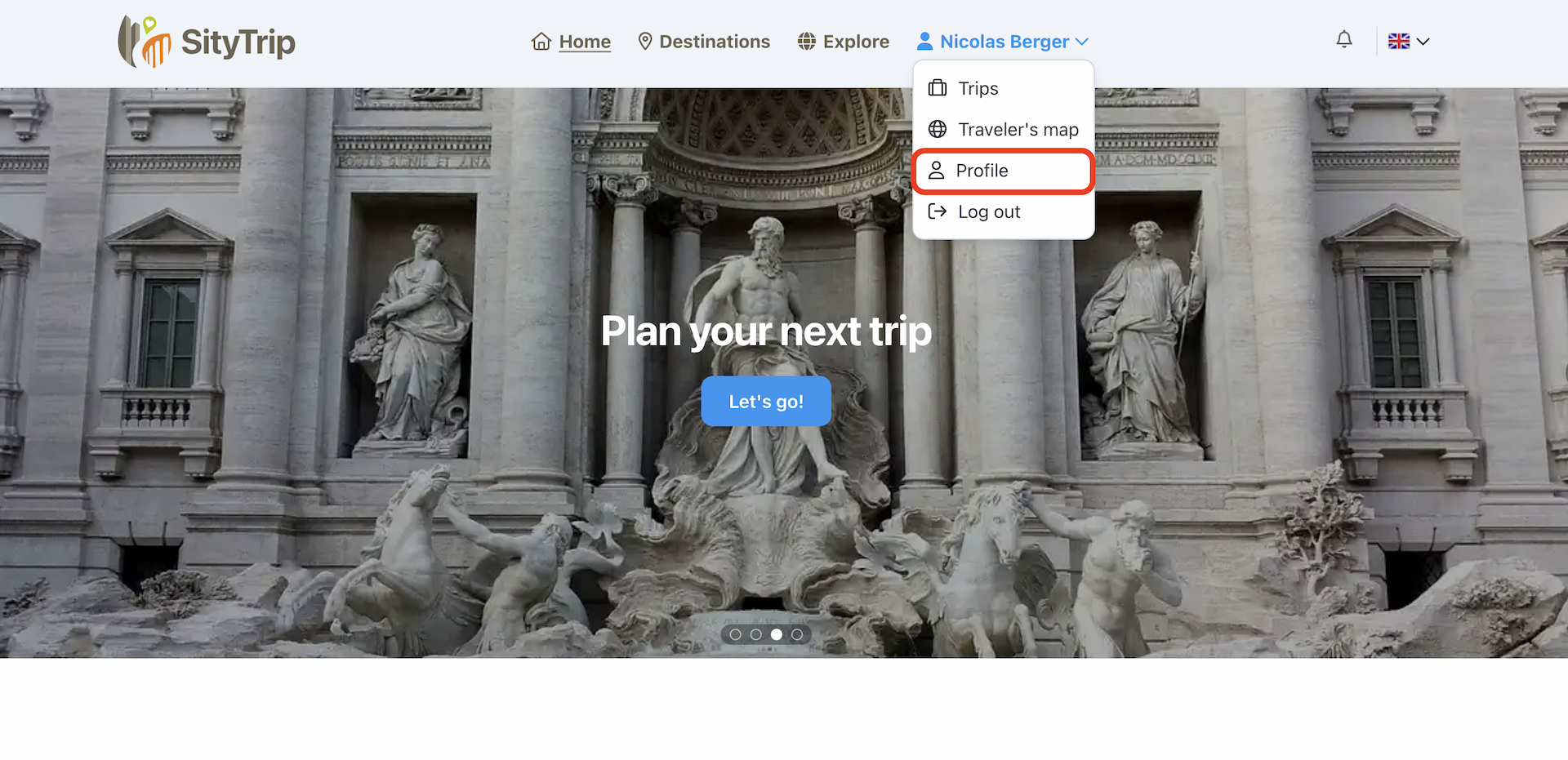
From the main menu, open your account menu.
3
Click on Profile.
What does your profile contain?
The profile page can display different information, including:
- your public information;
- your last trips;
- your traveler map;
- access to your account settings.

What to do next?
From your profile, you can also share your profile or modify certain settings related to your account.
➡️ See also: How to share your profile?
➡️ See also: How to access your account settings?