
How to change the distance units?
SityTrip allows you to choose the units used to display distances and certain measurement information.
This option allows you to adjust the display according to your preferences, for example by using the metric system or another available unit system.
Modify the units
1
Access the Settings of your account.
➡️ See also: How to access your account settings?
2
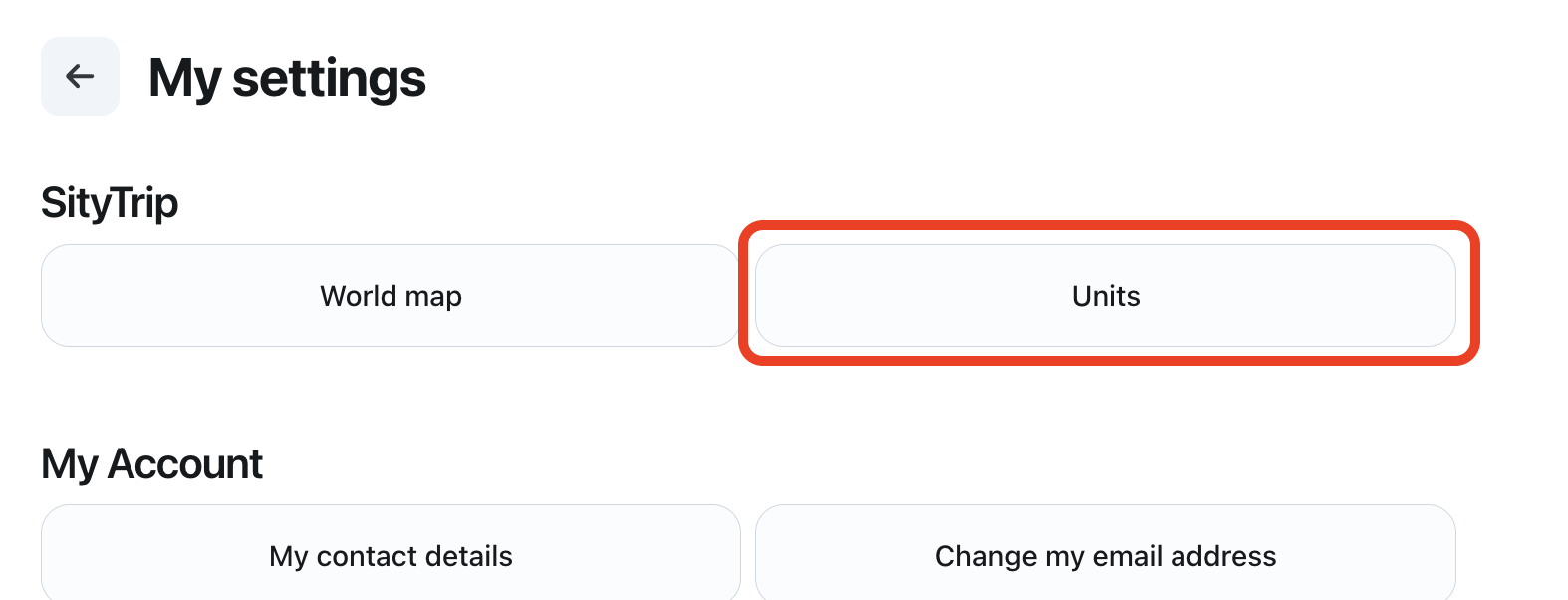
Open the Units section.
3
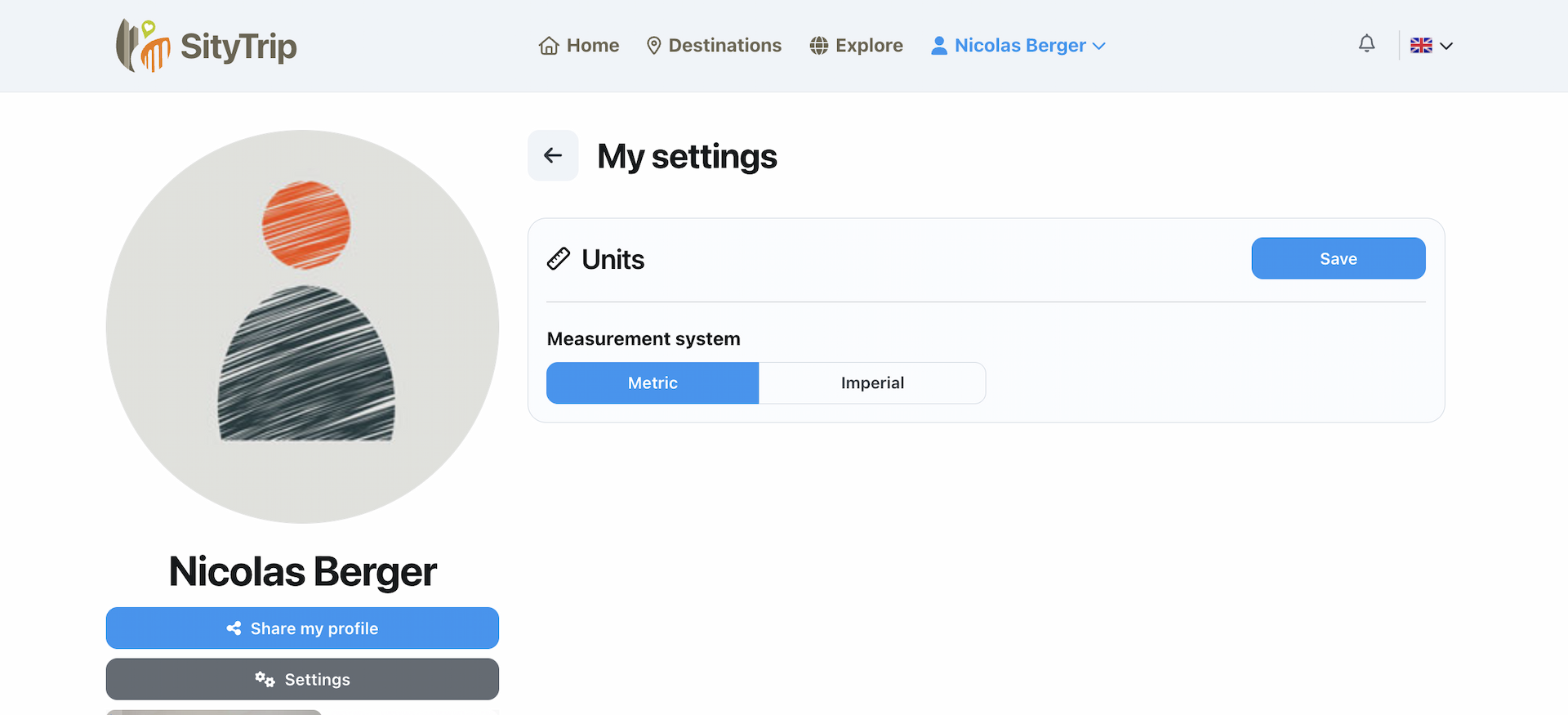
Select the desired unit system.
4
Save your choice.