

How to view your traveler map?
The traveler's map allows you to visualize the destinations, regions, or countries you have visited.
It is linked to your SityTrip profile and helps you keep track of your travels.

Access your map from your profile
1
Open your profile.
➡️ See also: How to access your profile?
2
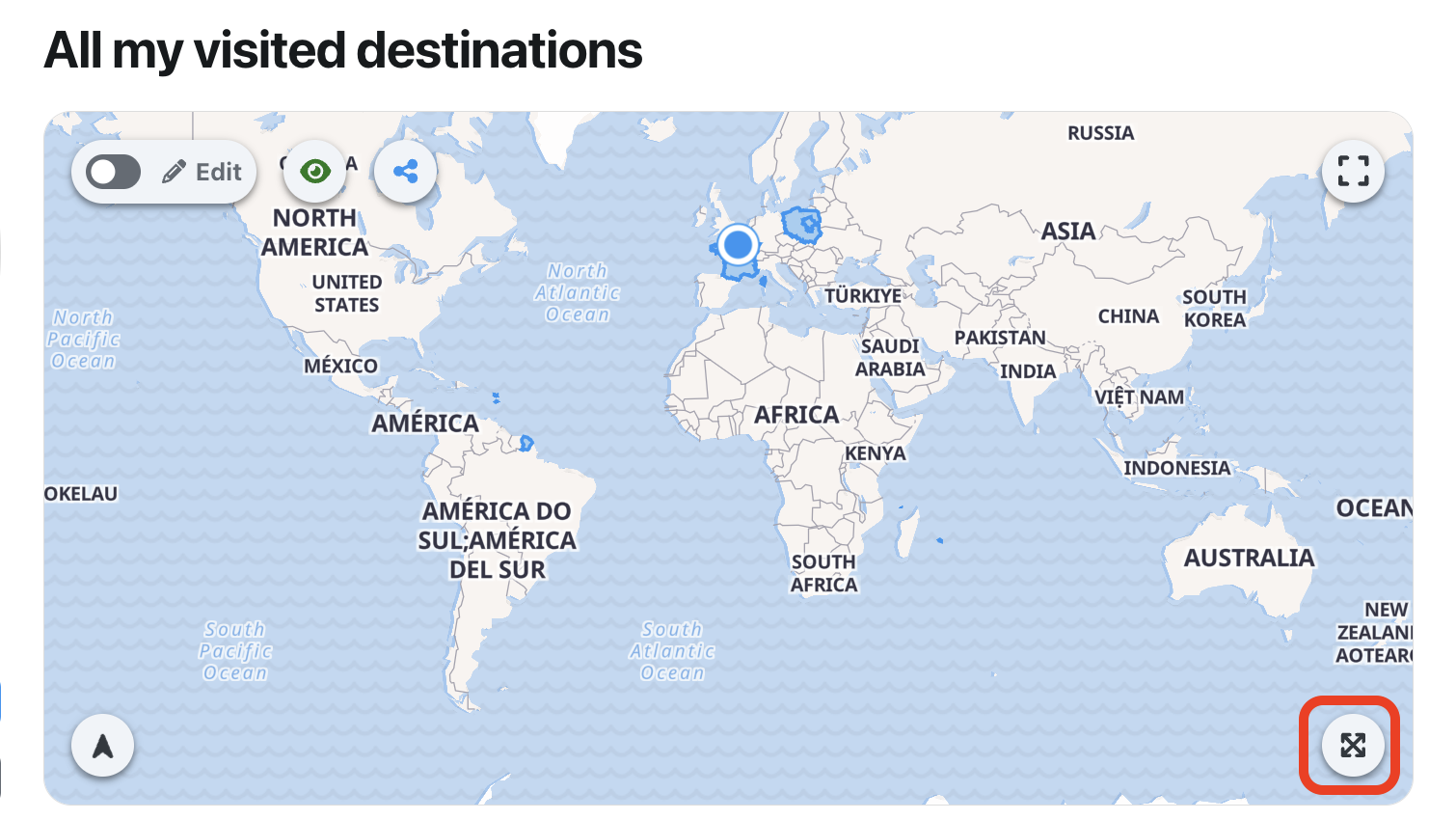
Click on the button to enlarge your traveler map.
Access your map from the profile menu
You can also directly open your travel map from your profile menu.
1
Open your profile menu.
2
Click on Traveler's map.

What to do next?
From your traveler map, you can modify the visited places, manage its visibility, or share it with others.
➡️ See also: How to edit your traveler map?
➡️ See also: How to manage the visibility of your traveler map?