

How to manage the visibility of your traveler map?
You can choose who can view your traveler map.
This option allows you to keep your map private, share it only with certain people, or make it publicly visible.
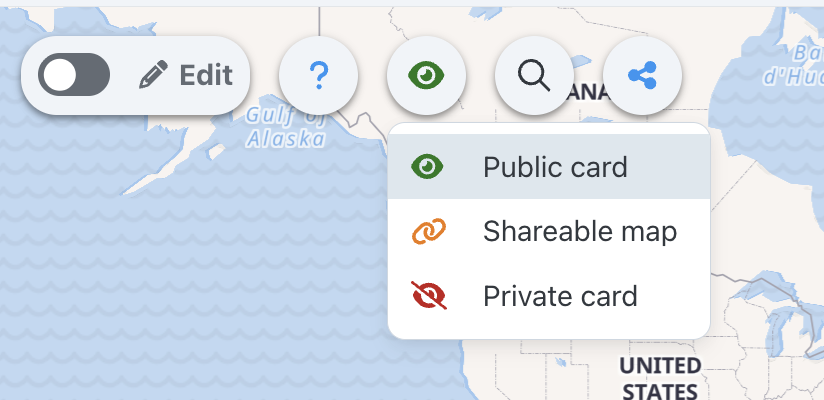
The visibility options available
You can choose between three levels of visibility:
- Private : your map is visible only to you.
- Shareable : your map can be accessed by people who have the share link.
- Public : your map may be visible to the public.
Change visibility from the traveler map
1
Open your traveler map.
➡️ See also: How to view your traveler card?
2
Open visibility options.
3
Choose the desired level of visibility.
Change visibility from the settings
You can also change the visibility of your map from your account settings.
➡️ See also: How to customize your traveler map?