

How to create a trip?
A trip allows you to group the places you want to visit in a destination.
You can create a trip from the map of a destination, from a destination sheet, or from the sheet of a point of interest.
Create a trip from the map
Open the map of a destination.
Click the button to select or create a trip.
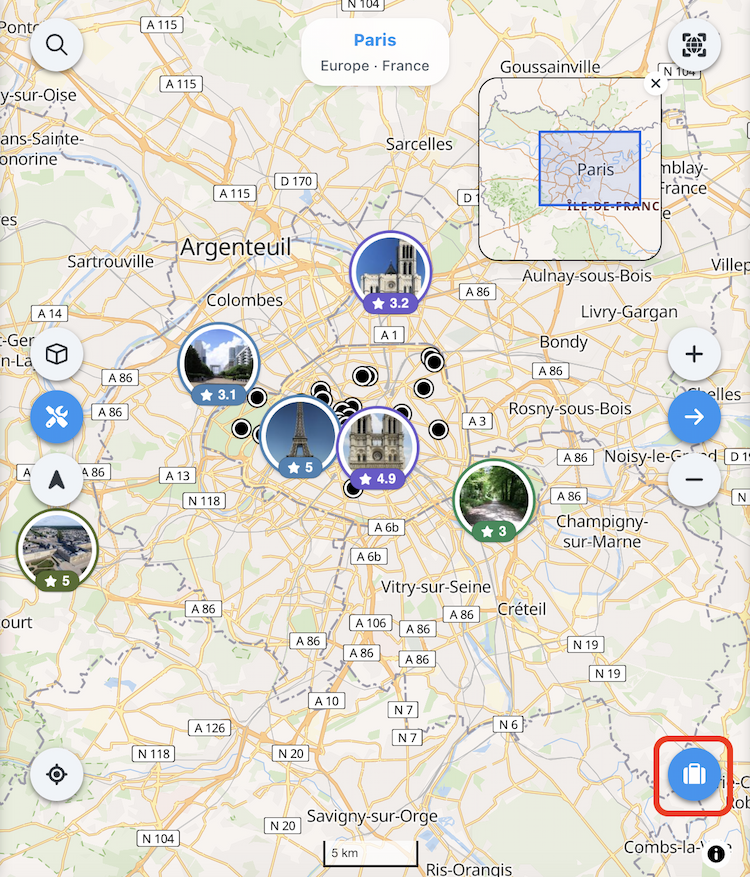
If no trip exists yet for this destination, click on Create a trip.

Give a name to your trip.
Choose the trip visibility:
-
Public : the trip can be publicly visible.
-
Shared : the trip can be accessed by people with the link.
-
Private: the trip is visible only to you.
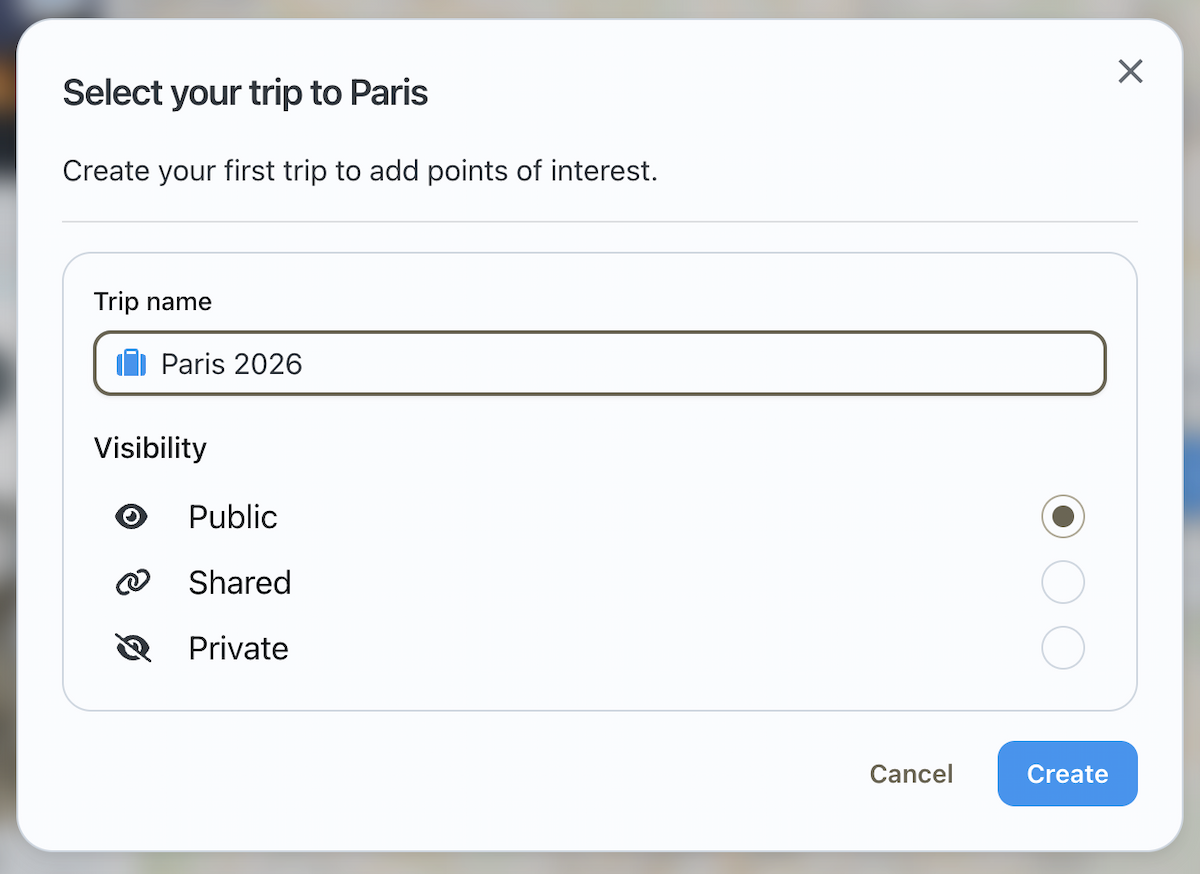
Click on Create to confirm.
Create a trip from a destination or place sheet
Go to the destination or place page.
Follow the same steps as for creating a trip from the map.
What to do next?
Once the trip is created, you can start adding places to it.
➡️ See also: How to add places to your trip?