

How to share a trip?
You can share a trip with others using a link.
Sharing allows you to send your trip according to the visibility settings you have defined.
Before sharing a trip
Before sending the link, check the visibility of the trip:
- if the trip is Private, it is only visible to you;
- if the trip is Shared, people with the link can view it;
- if the trip is Public, it can be publicly visible.
Share a trip from your list of trips
1
Open your trip list.
➡️ See also: How to view your trip list?
2
Identify the trip you want to share.
3
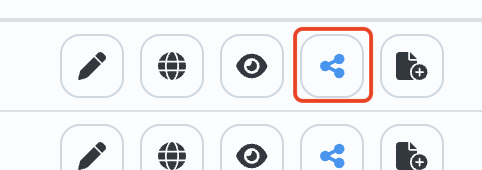
Click on the share action associated with this trip.
4
Copy the link or use the sharing options provided by your device.
5
Send the link to the desired people.
Share a trip from its page
1
Open the trip you want to share.
➡️ See also: How to manage your trip?
2
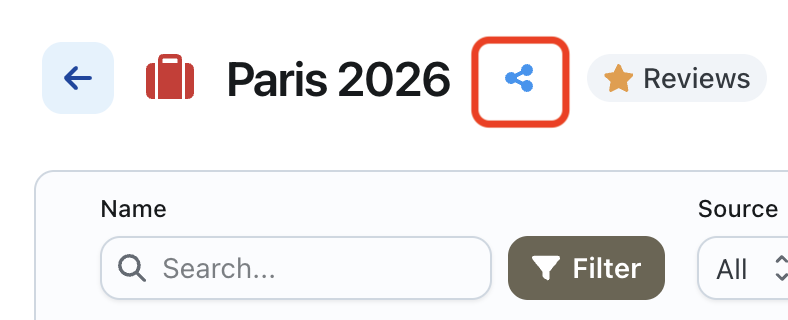
Click on the share button or action available on the page.
3
Copy the link or use the sharing options provided by your device.
4
Send the link to the desired people.
If a person cannot open the trip
If a person cannot access the shared trip, check the visibility settings of the trip.
➡️ See also: How to define the visibility of a trip?