

Use the list of points of interest
The list of points of interest is located on the left side of the map.
It displays the places corresponding to the selected theme in the themes menu, for example the Top 50 places, Wikipedia points, or the places of a trip.
➡️ See also: Use the themes menu
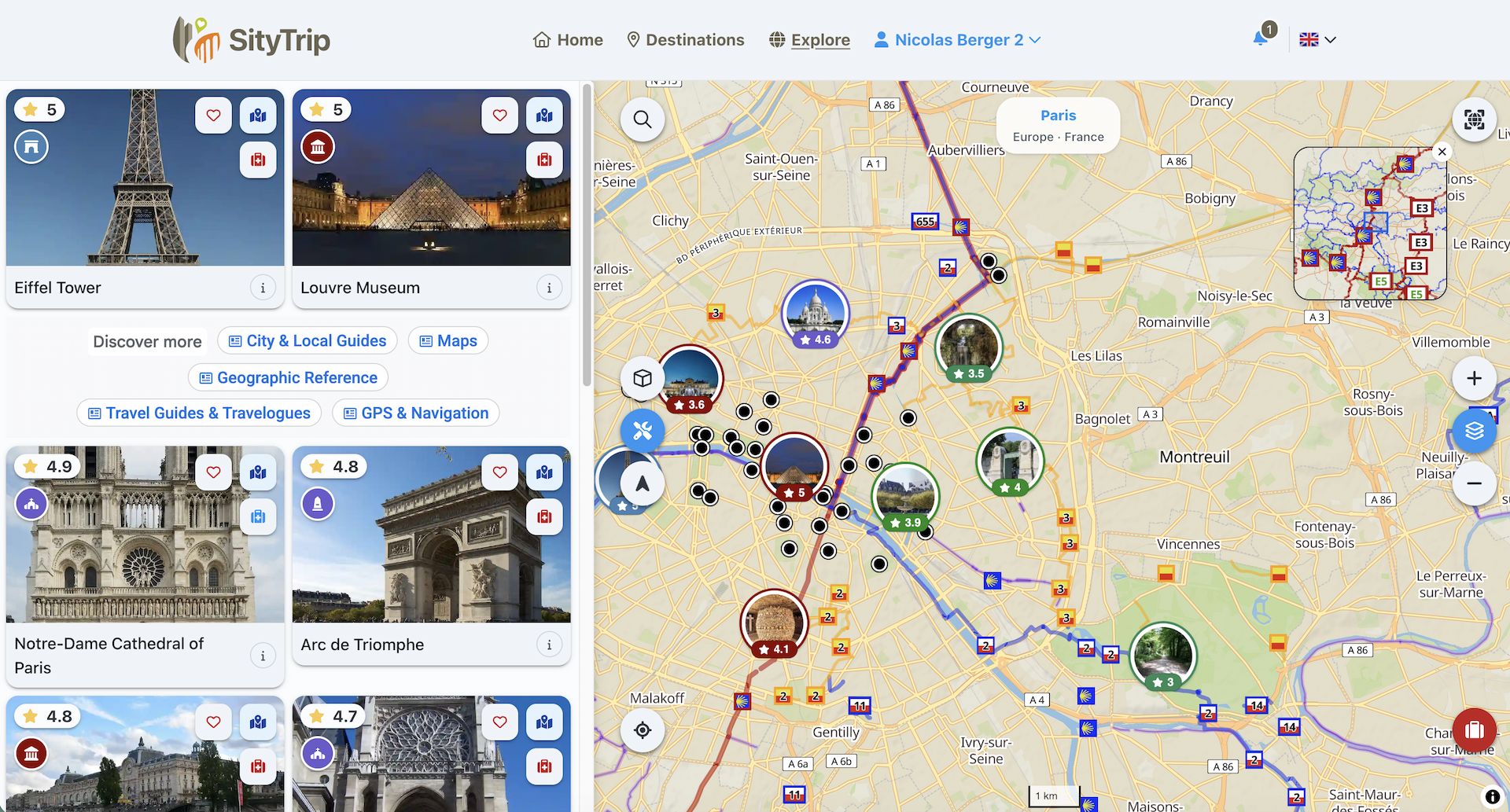
Understanding location thumbnails
The places are displayed as thumbnails.
Each tile can contain:
- an image of the place;
- the name of the place;
- its rating, when available;
- a category icon;
- action buttons.
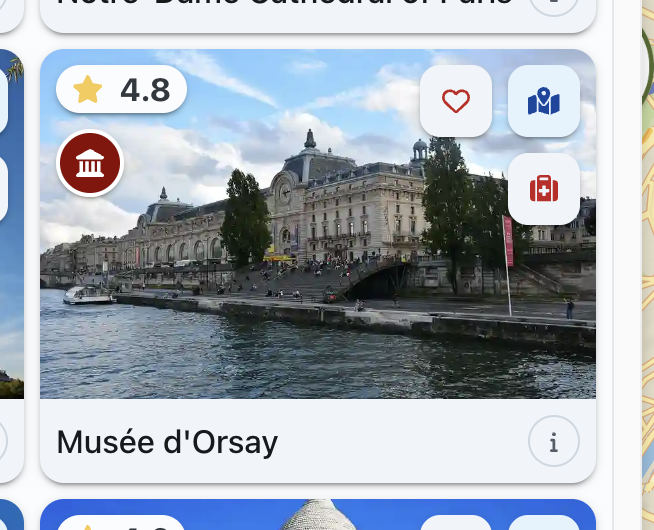
Available actions from a tile
From a thumbnail, you can notably:
- add a comment (1) ;
- add the place to your trip (2);
- highlight the location on the map (3);
- open the detailed sheet of the point of interest by clicking on the thumbnail.

Browse places
You can scroll through the list to view the different points of interest available.
The list adapts to the themes and filters selected in the themes menu.
➡️ See also: Use the themes menu
Open the details of a place
To view more information about a place, open its detailed sheet from the thumbnail or from its marker on the map.
➡️ See also: View the details of a point of interest from the map