

Use the themes menu
The themes menu is located to the right of the map.
It allows you to choose the content to be displayed on the map and to manage certain options related to exploration.
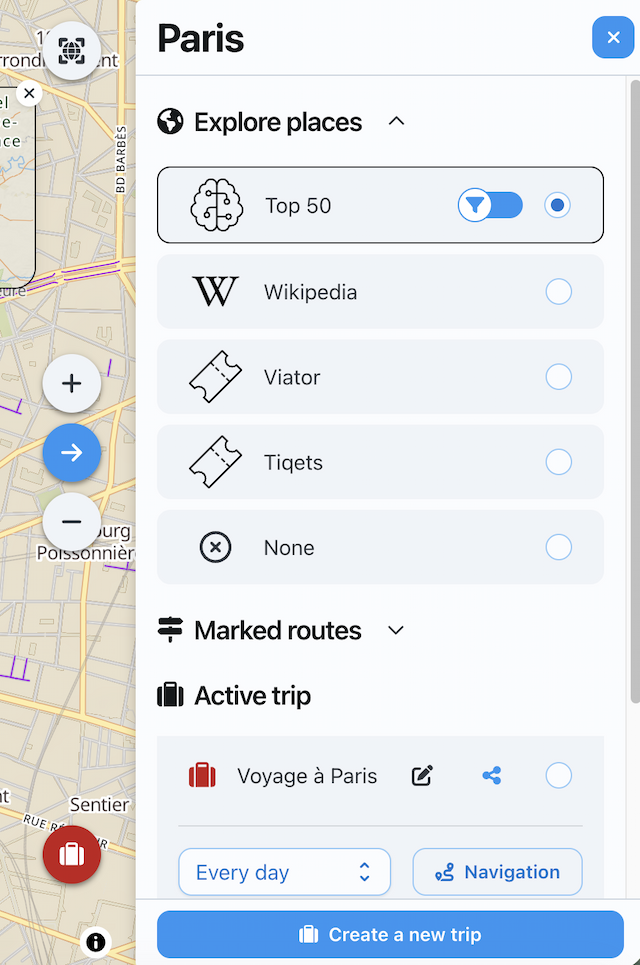
Explore the places
The Explore the places section allows displaying different types of points of interest.
According to the destination, you can display:
- the places of the Top50;
- the places from Wikipedia;
- the activities Viator ;
- the activities Tiqets ;
- no place, if you want to hide the points of interest.
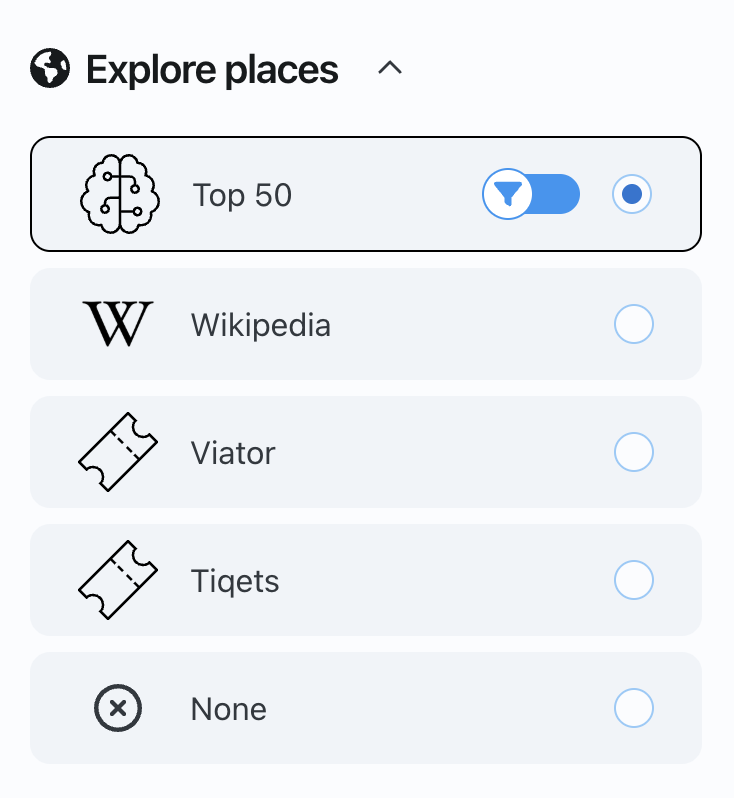
When a theme is selected, the corresponding points appear on the map and in the list of points of interest on the left.
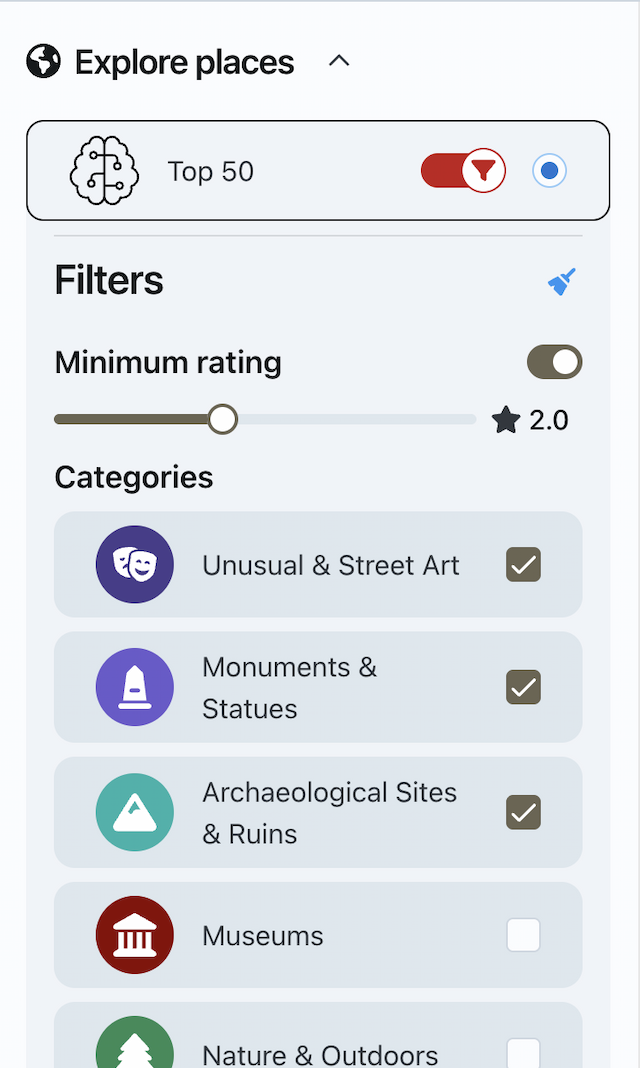
Filter places
For certain themes, such as Top50 or Wikipedia, you can use filters to refine the displayed locations.
Filters can be used to select:
- a minimum rating;
- one or more categories, such as museums, monuments, iconic places, religious sites, or natural areas.
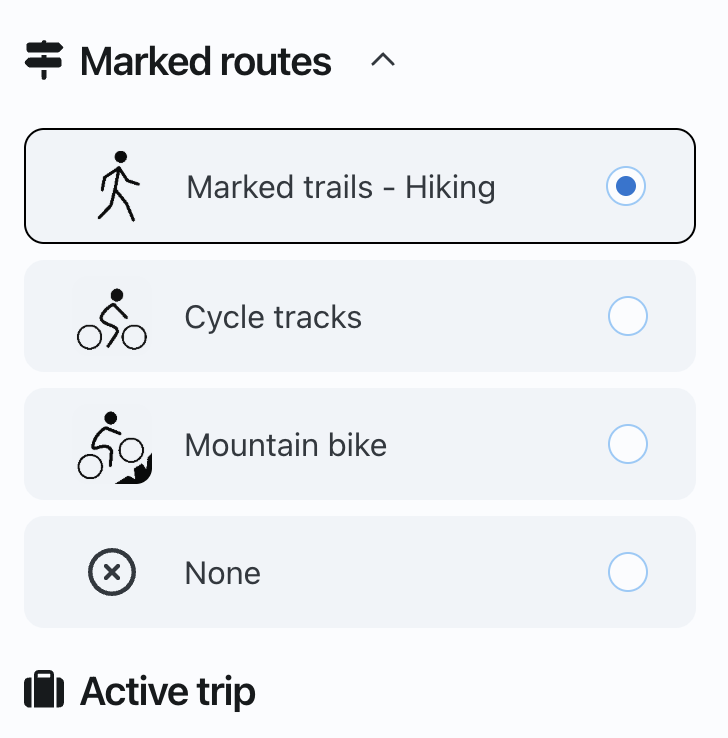
Show marked routes
The Marked Routes section allows you to display certain types of routes on the map.
According to the available options, you can display:
- the marked hiking trails;
- marked bike paths;
- mountain biking trails;
- no itinerary.
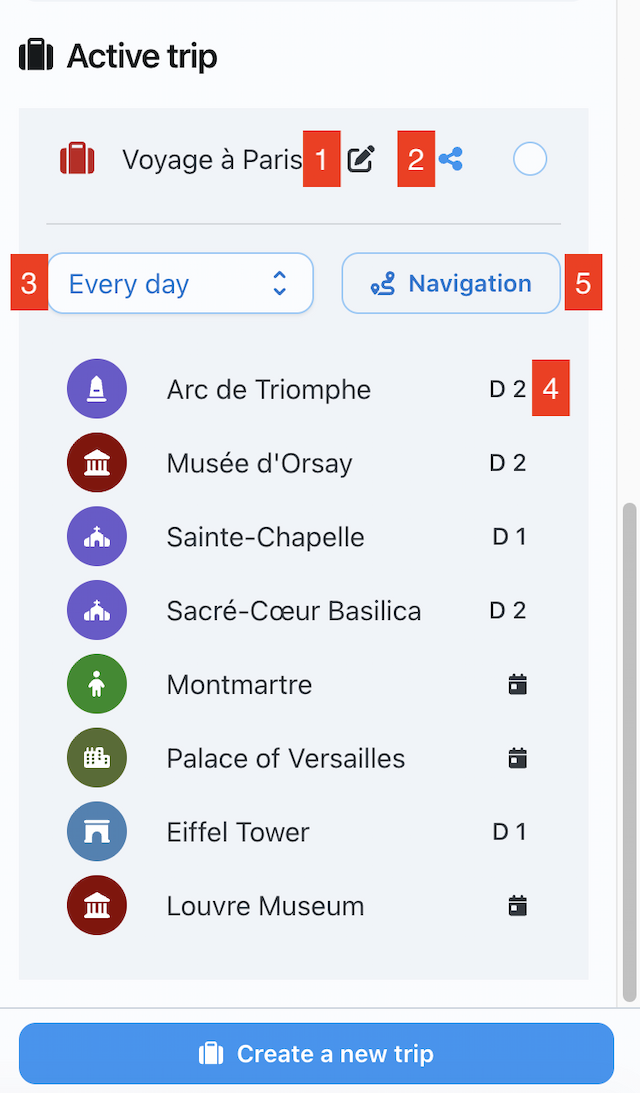
Manage the active trip
The Active travel section displays the currently selected trip for the destination.
From this section, you can notably:
- modify the trip (1) ;
- share the trip (2);
- filter destinations by day (3);
- define the day of visit to a place (4);
- request navigation between travel locations (5).
➡️ See also: How to define an active trip?