

How to share your traveler map?
You can share your traveler map with others using a share link.
Sharing is only possible if your map's visibility allows it, meaning it is set as Shareable or Public.
Before sharing your map
Before sending your card to someone, check its visibility:
- if your map is Private, it cannot be viewed by other people;
- if your map is Shareable, only people with the link can view it;
- if your map is Public, it can be visible publicly.
➡️ See also: How to manage the visibility of your traveler map?
Share your map
1
Open your traveler map.
➡️ See also: How to view your traveler map?
2
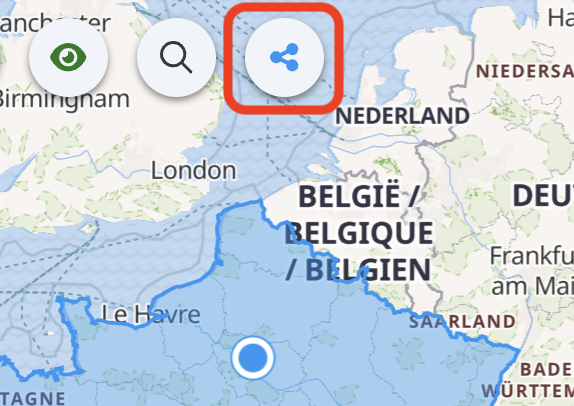
Click on the share button.
3
Copy the share link or use the options provided by your device.
4
Send the link to the people you want to share your map with.
Modify access after sharing
You can change the visibility of your map at any time.
For example, if you no longer want other people to be able to view it, you can reset its visibility to Private.