

How to view the list of my favorite trips?
The list of favorite trips includes the trips that you have added to your favorites.
It allows you to quickly find trips that you want to check out later.
Access your favorite trips
1
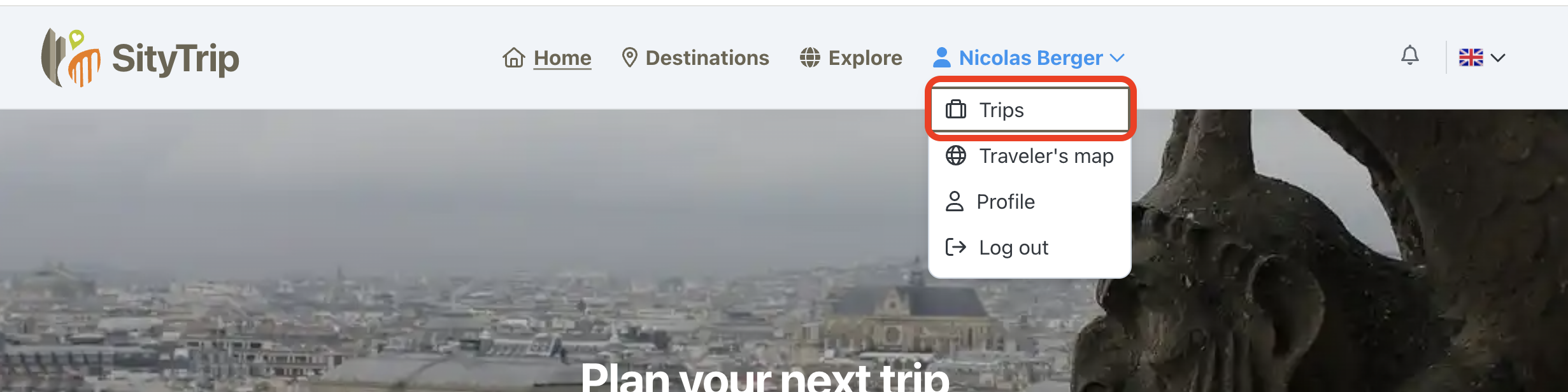
Open the Trips page from your account menu.
2
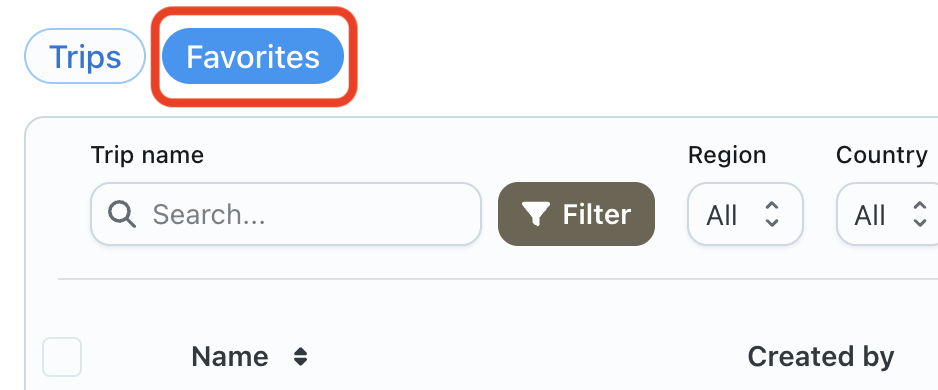
Click on the Favorites tab.
3
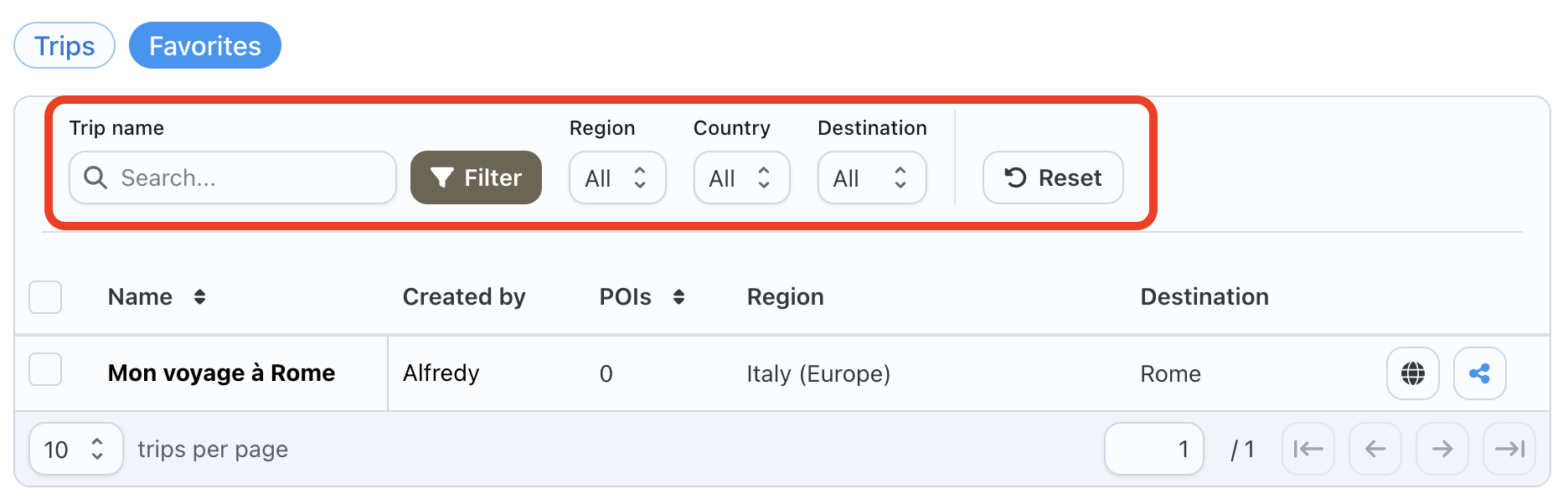
The list of your favorite trips is displayed.

Search or filter your favorites
You can use the available filters to easily find a favorite trip.
Available actions
From your list of favorite trips, you can:

- open a favorite trip by clicking on its name;
- display the trip on the map;
- share the trip;
- remove the trip from your favorites.