

How to search for a destination?
The Destinations page allows you to quickly find a city, region, or place to explore in SityTrip.
You can search for a destination in two ways: by using the search field or by browsing destinations by region of the world.
Search for a destination by its name
From the main menu, click on Destinations.

In the Destinations page, use the search field to enter the name of a destination.
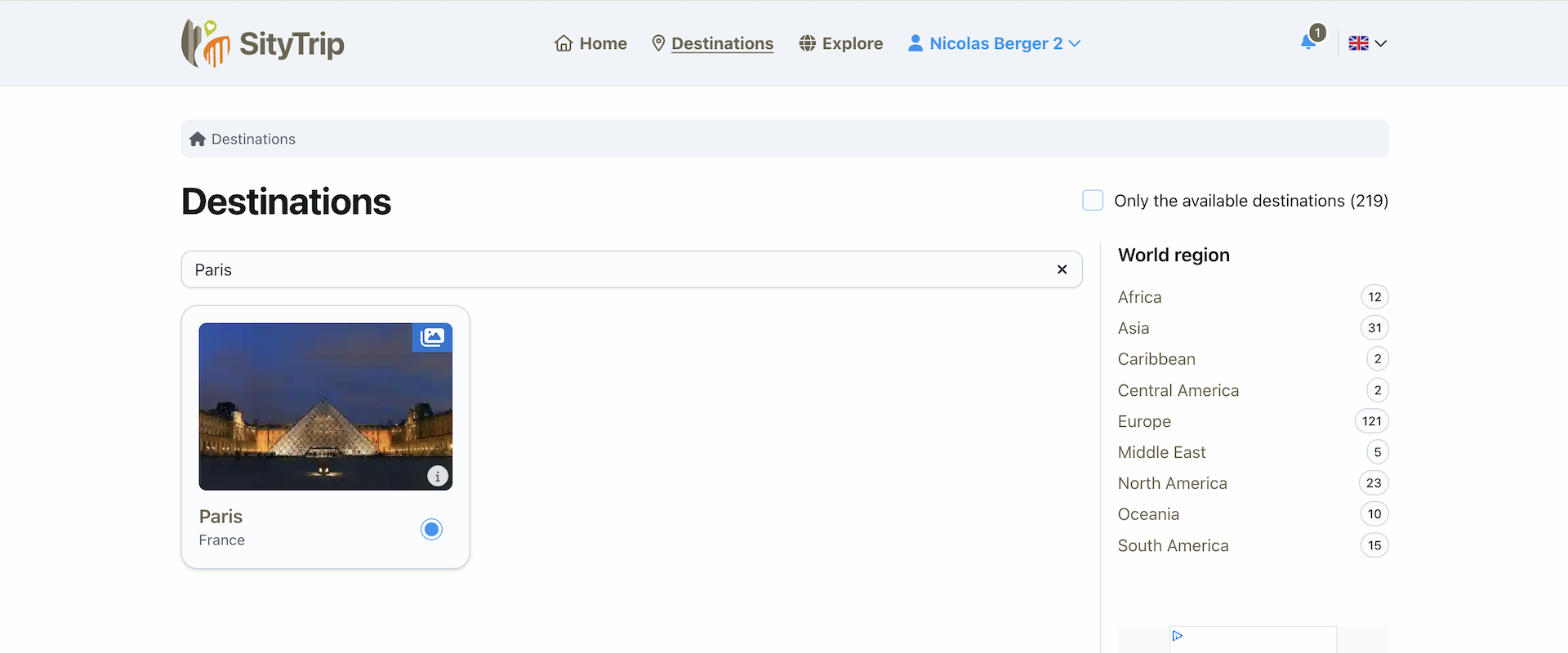
Click on the destination that interests you in the proposed results.
You then access the page for this destination.
Browse destinations by region
You can also discover the available destinations by browsing the regions of the world, then the countries.
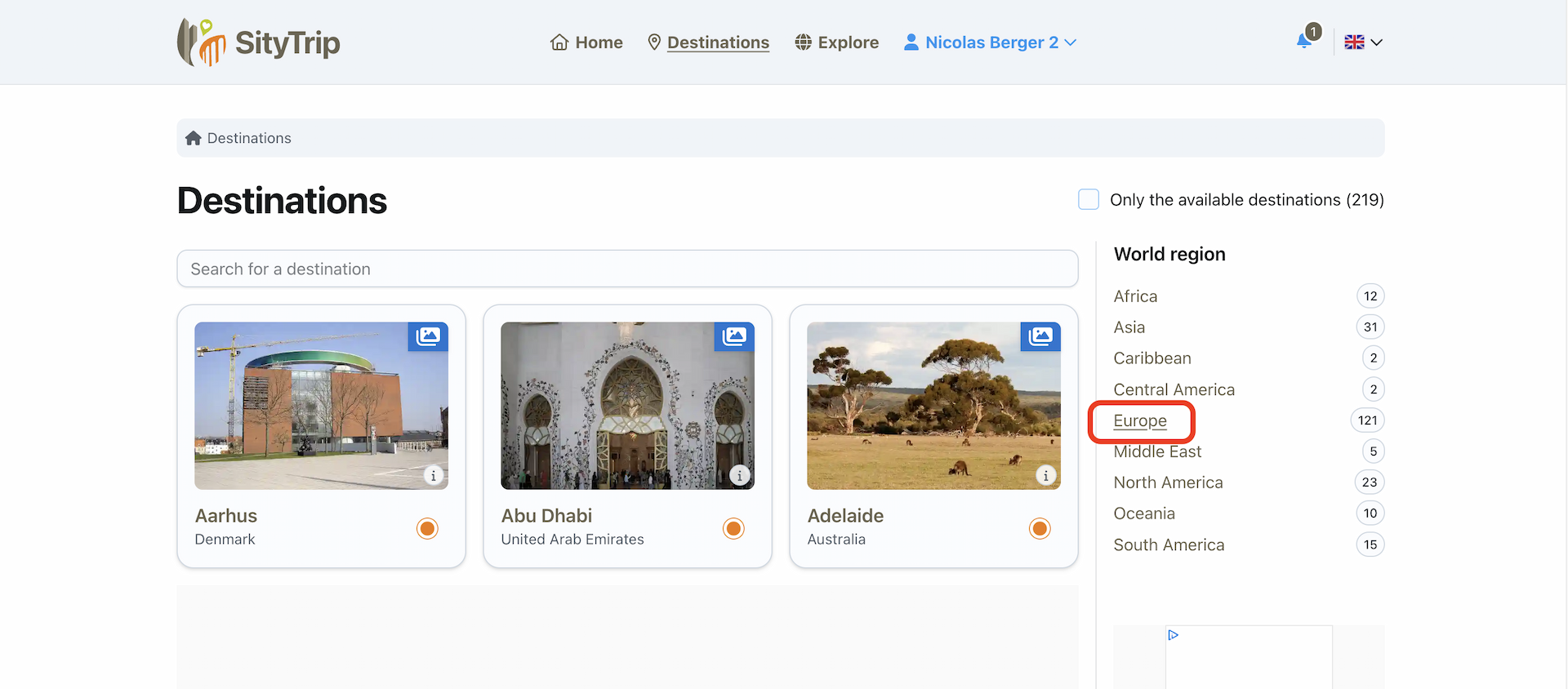
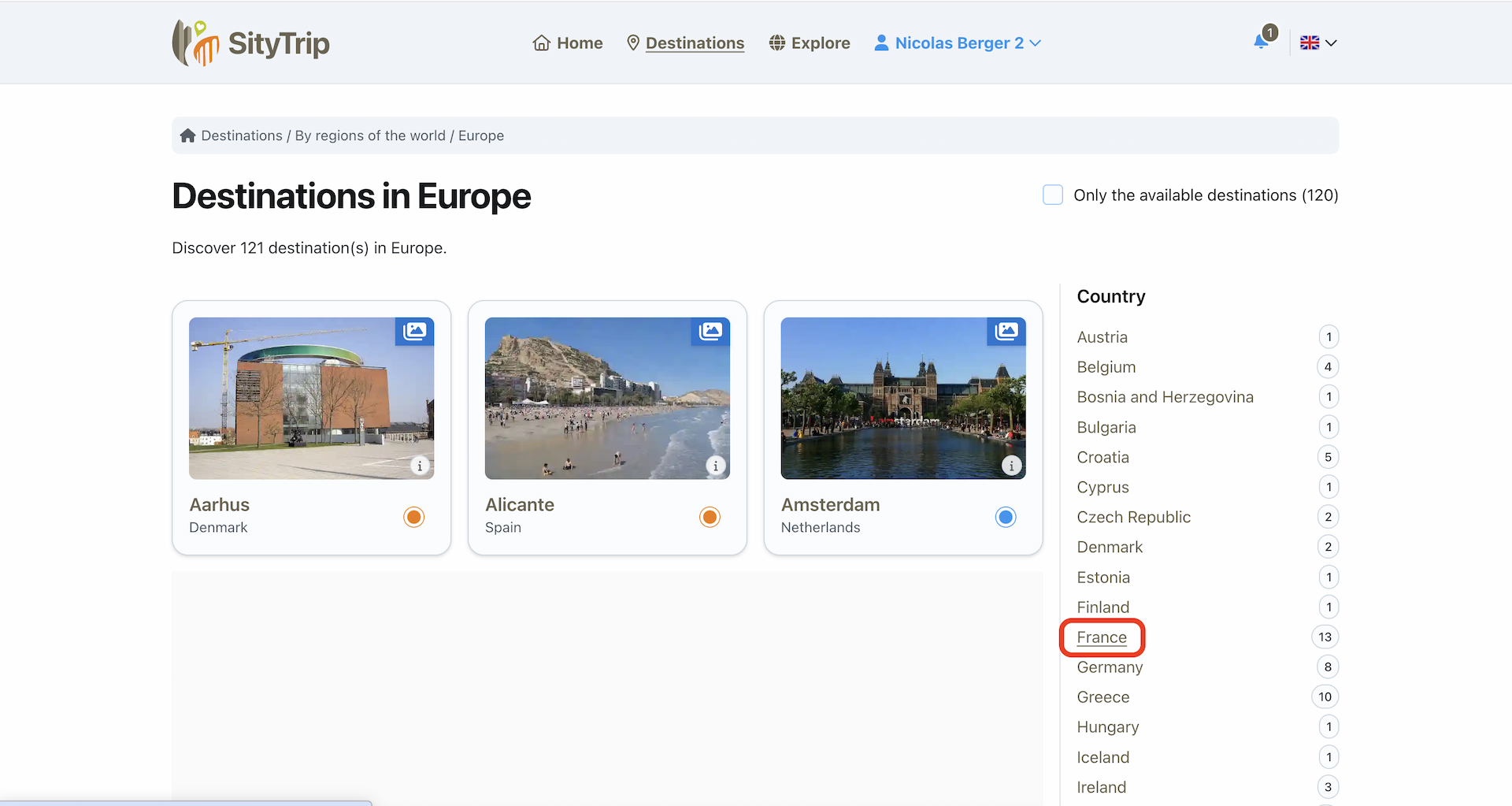
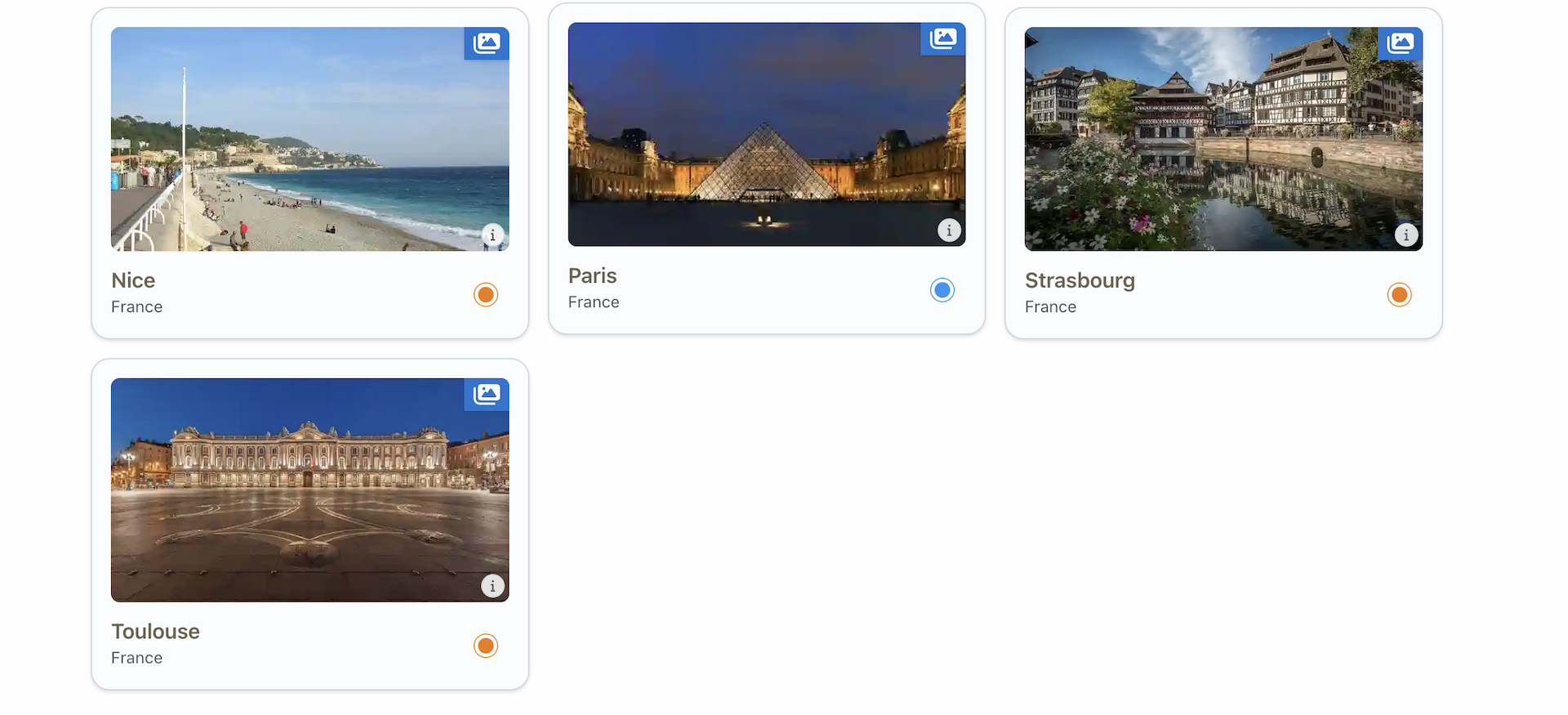
The available destinations are represented by an orange dot. Click on a destination to open its card.
What to do next?
From a destination's page, you can view its presentation, discover its points of interest, or directly open its map.
➡️ See also: What does a destination sheet contain?