

How do I log in to my Sity account?
How to connect to SityTrip
- Access https://www.sitytrip.com/fr
- Click on "Log In"
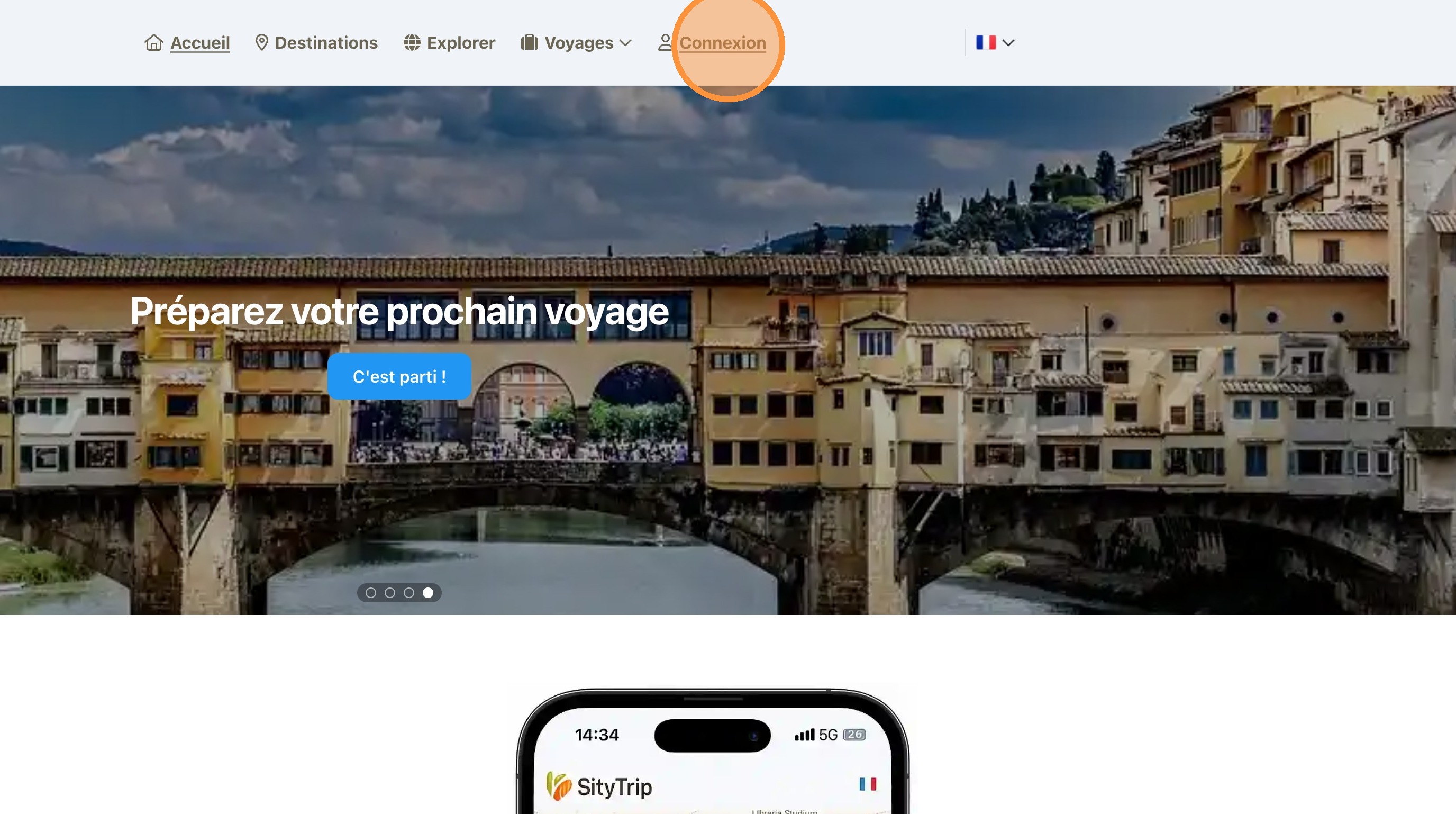
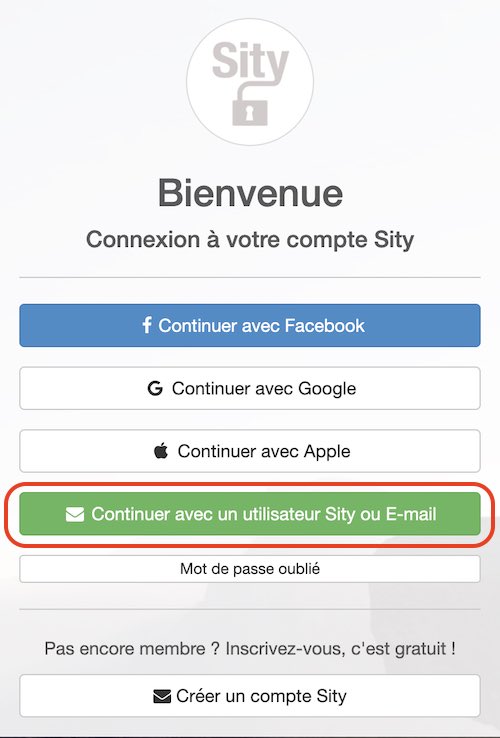
Then, three options are available to you:
Login via Facebook:
- Click on the "Continue with Facebook" tab.
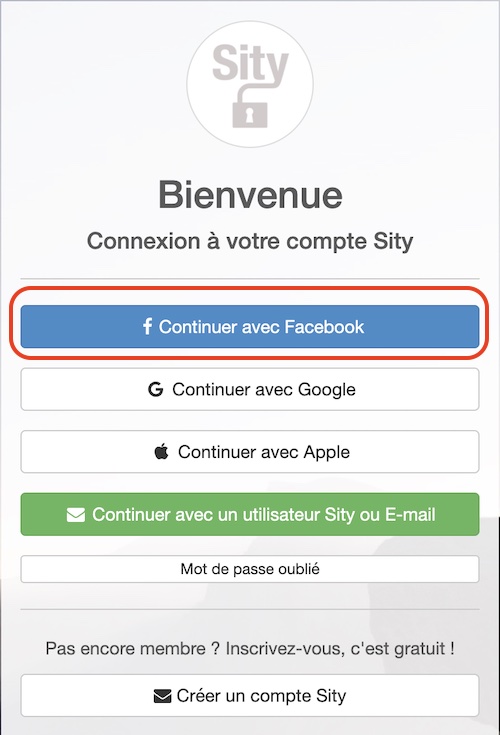
- Follow the different steps that will be proposed to you.
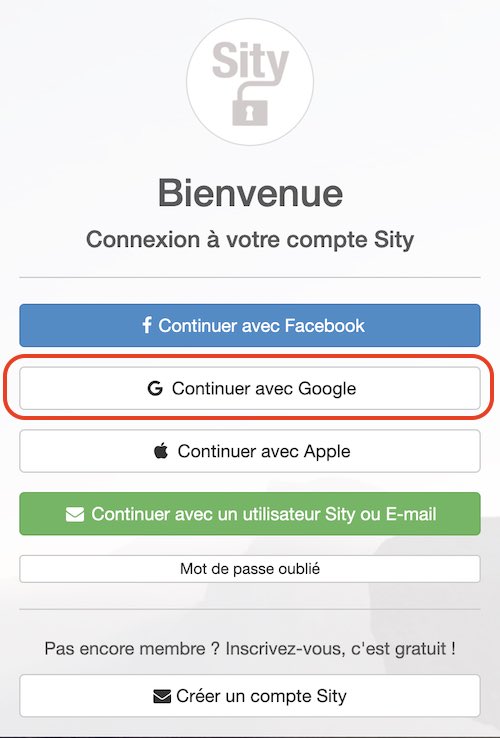
Login via Google :
- Click on the "Continue with Google" tab.
- Select the Google account you want to use.
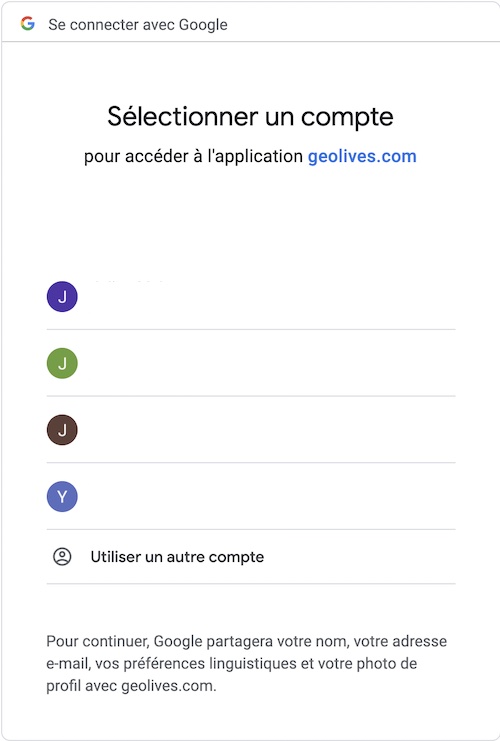
- Follow the instructions by clicking on the "Link Account" tab.
Log in using an email address:
- Click on the "Continue with a Sity user or Email" tab.
- Fill in the suggested fields.
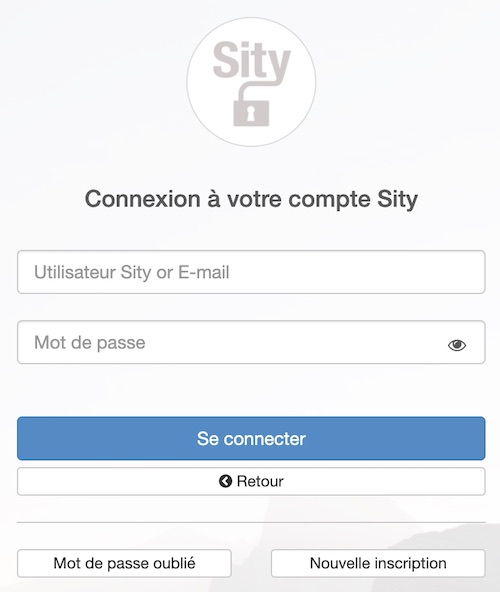
- Press "Log in" to access your SityTrip account.